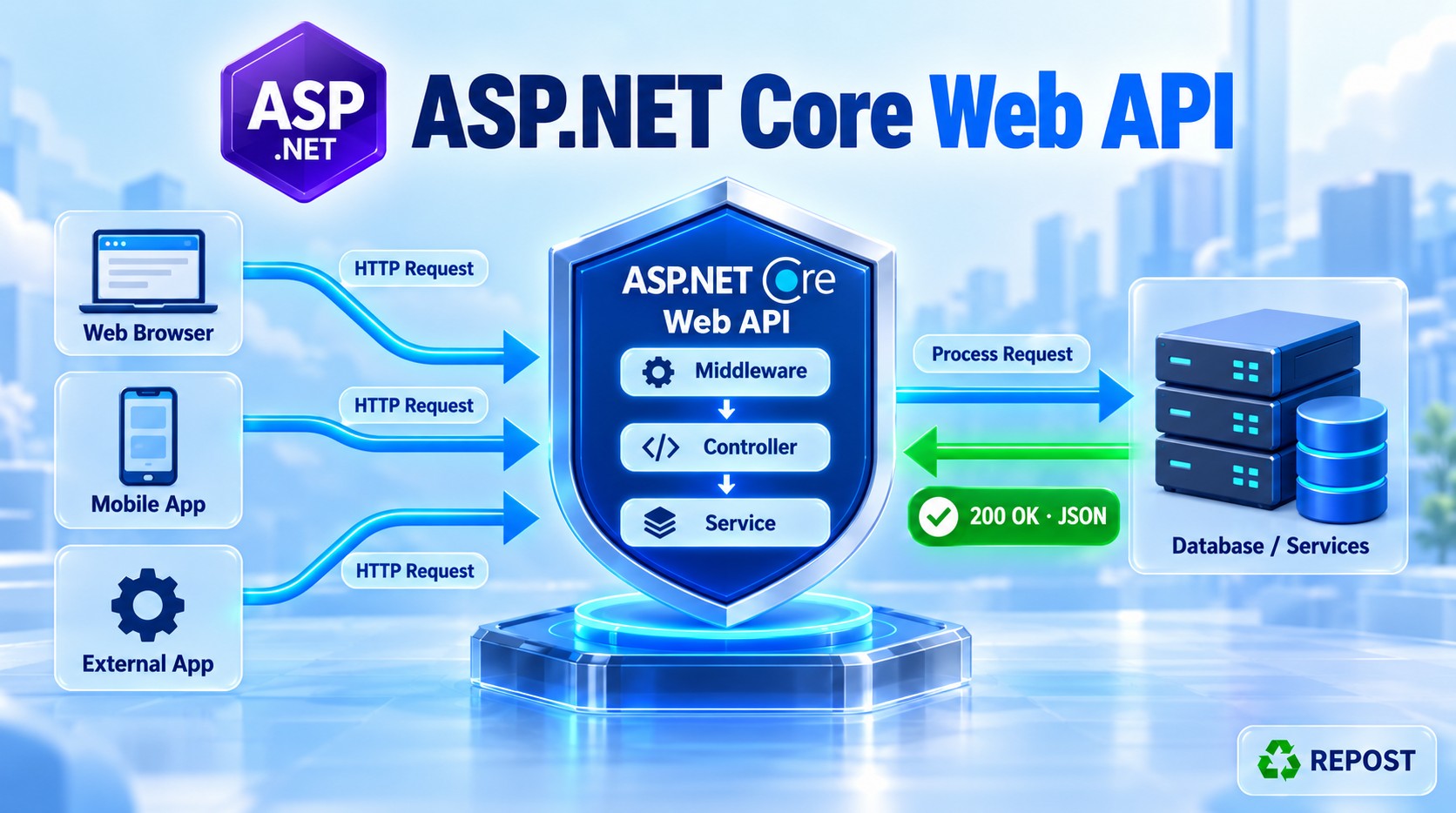


1. What is API key authentication?
API key authentication verifies a secret key sent by the client before allowing access to an API.
The client sends the key in the request header:
X-API-Key: my-secret-key-123The API compares this value with its configured key:
- Correct key: Allow the request.
- Missing or incorrect key: Return 401 Unauthorized.
2. Why do we need it?
Suppose an Order application needs to get products from your Product API.
You provide a secret key to the Order application. Whenever it calls your API, it sends that key.
This provides a simple way to restrict API access to applications that possess the key.
Common uses:
- Backend-to-backend communication.
- Partner integrations.
- Internal applications and scheduled jobs.
3. Full simple program
We will use middleware to check the API key before the controller executes.
Create an ASP.NET Core Web API project with controllers and Authentication type: None.
No additional NuGet package is required.
Step 1: appsettings.json
{
  "ApiSettings": {
    "ApiKey": "my-secret-key-123"
  },
  "Logging": {
    "LogLevel": {
      "Default": "Information",
      "Microsoft.AspNetCore": "Warning"
    }
  },
  "AllowedHosts": "*"
}
This is a demonstration key. Keep real keys outside committed configuration files.
Step 2: Program.cs
var builder = WebApplication.CreateBuilder(args);

builder.Services.AddControllers();

// Read the API key from configuration.
var configuredApiKey = builder.Configuration["ApiSettings:ApiKey"];

// Stop the application if the key is not configured.
if (string.IsNullOrWhiteSpace(configuredApiKey))
{
    throw new InvalidOperationException("API key is not configured.");
}

var app = builder.Build();

app.UseHttpsRedirection();

// Middleware to validate the API key.
app.Use(async (context, next) =>
{
    // Check whether the client sent the header.
    if (!context.Request.Headers.TryGetValue(
            "X-API-Key", out var suppliedApiKey))
    {
        context.Response.StatusCode =
            StatusCodes.Status401Unauthorized;

        await context.Response.WriteAsJsonAsync(new
        {
            message = "API key is missing."
        });

        return;
    }

    // Check whether the client sent one correct key.
    if (suppliedApiKey.Count != 1 ||
        !string.Equals(
            suppliedApiKey[0],
            configuredApiKey,
            StringComparison.Ordinal))
    {
        context.Response.StatusCode =
            StatusCodes.Status401Unauthorized;

        await context.Response.WriteAsJsonAsync(new
        {
            message = "Invalid API key."
        });

        return;
    }

    // Valid key: continue to the controller.
    await next(context);
});

app.MapControllers();

app.Run();
Step 3: Controllers/ProductsController.cs
using Microsoft.AspNetCore.Mvc;

namespace ApiKeyDemo.Controllers;

[ApiController]
[Route("api/[controller]")]
public class ProductsController : ControllerBase
{
    [HttpGet]
    public IActionResult GetProducts()
    {
        var products = new[]
        {
            new { Id = 1, Name = "Laptop", Price = 55000 },
            new { Id = 2, Name = "Mouse", Price = 800 },
            new { Id = 3, Name = "Keyboard", Price = 1500 }
        };

        return Ok(products);
    }
}
Replace ApiKeyDemo with your project namespace if needed.
Step 4: Test using Postman
Run the application. Use its HTTPS port in the URL:
GET https://localhost:7001/api/productsIn Postman, add this under Headers:
| Key | Value |
|---|---|
X-API-Key |
my-secret-key-123 |
With the correct key, the response is 200 OK:
[
  {
    "id": 1,
    "name": "Laptop",
    "price": 55000
  },
  {
    "id": 2,
    "name": "Mouse",
    "price": 800
  },
  {
    "id": 3,
    "name": "Keyboard",
    "price": 1500
  }
]
Other test cases:
| Request | Status | Message |
|---|---|---|
| Header missing | 401 Unauthorized |
API key is missing. |
| Incorrect key | 401 Unauthorized |
Invalid API key. |
| Correct key | 200 OK |
Products returned |
4. Program explanation
A. Read the configured key
var configuredApiKey = builder.Configuration["ApiSettings:ApiKey"];Reads the expected key from:
"ApiSettings": {
  "ApiKey": "my-secret-key-123"
}
In this program, it is read once during startup.
B. Run middleware before the controller
app.Use(async (context, next) =>
{
    // API key validation
});contextgives access to the current request and response.nextpasses execution to the next step in the request pipeline.
C. Read the client’s key
context.Request.Headers.TryGetValue(
    "X-API-Key", out var suppliedApiKey)
Looks for the X-API-Key request header and reads its value.
If the header is missing, we return 401.
D. Compare the keys
string.Equals(
    suppliedApiKey[0],
    configuredApiKey,
    StringComparison.Ordinal)
Compares the supplied key with the configured key using a case-sensitive comparison.
For example:
my-secret-key-123   → Valid
MY-SECRET-KEY-123   → Invalid
This ordinary string comparison keeps the learning example simple. Production implementations should use a timing-resistant secret comparison.
E. Stop invalid requests
await context.Response.WriteAsJsonAsync(new
{
    message = "Invalid API key."
});

return;
Writes the error response and exits the middleware.
Because next is not called, the controller does not execute.
F. Continue valid requests
await next(context);Allows processing to continue to the controller, which returns the products.
Scope of this example: The middleware checks every request that reaches it, including all controller endpoints. It does not create a ClaimsPrincipal or integrate with [Authorize]; it directly checks the key. For identity, roles, and authorization policies, use an authentication handler as in the earlier example. ASP.NET Core authentication handlers establish the caller’s identity. learn.microsoft.com
5. Advantages
- Simple implementation: Easy to understand and configure.
- Reusable validation: Write the check once for all controller endpoints.
- No login screen required: Suitable for application-to-application calls.
- Low processing overhead: This sample only checks a header against configuration.
- Easy client setup: The client adds one request header.
6. Key points
- Send the key with every request.
- Always use HTTPS.
- Missing or incorrect keys return 401 Unauthorized.
- An API key generally identifies an application, not an individual user.
- Do not put secret keys in URLs, logs, or Angular/browser code.
- This sample uses one shared key and has no automatic expiration.
- Use separate keys per client when you need individual tracking or revocation.
- Store real development keys in User Secrets and production keys in a secure store such as Azure Key Vault. User Secrets is for development and is not encrypted. learn.microsoft.com