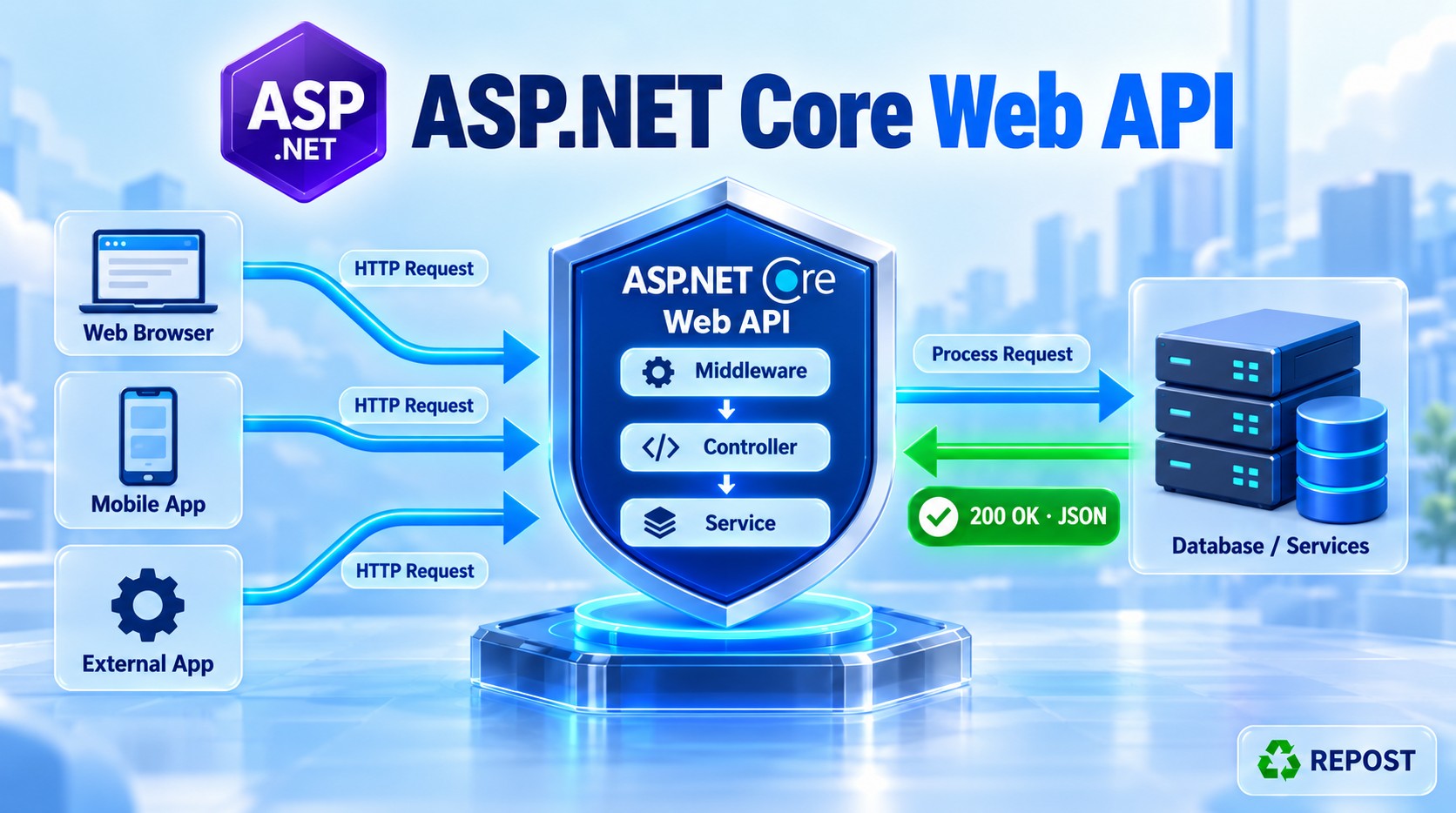


Action Filter in ASP.NET Core Web API
What is an action filter?
An action filter runs immediately before and after a controller action. It lets you inspect action parameters, stop the action, or inspect and change the action result. It runs after model binding, so parameters such as id are already available. Microsoft Learn
Request
  ↓
Authorization filter
  ↓
Resource filter: before
  ↓
Model binding
  ↓
Action filter: OnActionExecuting
  ↓
Controller action
  ↓
Action filter: OnActionExecuted
  ↓
Result filter and result execution
  ↓
Response
For example, an action filter could log the supplied product ID, reject an invalid ID, and log the result returned by the action.
Main methods
| Method | When it runs | What it can do |
|---|---|---|
OnActionExecuting |
Before the controller action | Read action arguments; set context.Result to stop the action |
OnActionExecuted |
After the action stage | Inspect the action result, cancellation, or an exception |
These methods belong to IActionFilter. For asynchronous work, use IAsyncActionFilter and its OnActionExecutionAsync method. Microsoft Learn
Full working example
We will create GET /api/products/{id} with an action filter that:
- Logs the product ID before the action.
- Returns
400 Bad Requestif the ID is zero or negative. - Lets the action run for a valid ID.
- Logs the result after the action.
This is an example of filter behavior. In a normal API, you might validate a simple ID with routing or model validation instead of creating a filter.
Step 1: Create the project
dotnet new webapi --use-controllers -n ActionFilterDemo
cd ActionFilterDemo
No additional NuGet package is needed.
Step 2: Create Filters/ProductActionFilter.cs
using Microsoft.AspNetCore.Mvc;
using Microsoft.AspNetCore.Mvc.Filters;

namespace ActionFilterDemo.Filters;

public sealed class ProductActionFilter : IActionFilter
{
    private readonly ILogger<ProductActionFilter> _logger;

    public ProductActionFilter(
        ILogger<ProductActionFilter> logger)
    {
        _logger = logger;
    }

    public void OnActionExecuting(ActionExecutingContext context)
    {
        // Model binding has already populated the action arguments.
        if (!context.ActionArguments.TryGetValue("id", out var value) ||
            value is not int id)
        {
            return;
        }

        _logger.LogInformation(
            "ACTION FILTER BEFORE: Product ID = {ProductId}",
            id);

        if (id <= 0)
        {
            _logger.LogInformation(
                "ACTION FILTER: Invalid ID. Skipping controller action.");

            context.Result = new BadRequestObjectResult(
                new { message = "Product ID must be greater than zero." });
        }
    }

    public void OnActionExecuted(ActionExecutedContext context)
    {
        _logger.LogInformation(
            "ACTION FILTER AFTER: Canceled = {Canceled}, Result = {ResultType}",
            context.Canceled,
            context.Result?.GetType().Name ?? "None");

        if (context.Exception is not null)
        {
            _logger.LogError(
                context.Exception,
                "An exception occurred during action execution.");
        }
    }
}
Step 3: Create Controllers/ProductsController.cs
using ActionFilterDemo.Filters;
using Microsoft.AspNetCore.Mvc;

namespace ActionFilterDemo.Controllers;

[ApiController]
[Route("api/[controller]")]
public class ProductsController : ControllerBase
{
    private readonly ILogger<ProductsController> _logger;

    public ProductsController(
        ILogger<ProductsController> logger)
    {
        _logger = logger;
    }

    [HttpGet("{id:int}")]
    [ServiceFilter(typeof(ProductActionFilter))]
    public IActionResult GetById(int id)
    {
        _logger.LogInformation(
            "CONTROLLER ACTION: Looking for product {ProductId}",
            id);

        var products = new[]
        {
            new Product(1, "Laptop", 55000),
            new Product(2, "Mouse", 700)
        };

        var product = products.FirstOrDefault(p => p.Id == id);

        if (product is null)
        {
            return NotFound(
                new { message = $"Product {id} was not found." });
        }

        return Ok(product);
    }
}

public record Product(int Id, string Name, decimal Price);
Step 4: Register the filter in Program.cs
using ActionFilterDemo.Filters;

var builder = WebApplication.CreateBuilder(args);

builder.Services.AddControllers();

builder.Services.AddScoped<ProductActionFilter>();

var app = builder.Build();

app.MapControllers();

app.Run();
[ServiceFilter(typeof(ProductActionFilter))] asks dependency injection to create the filter. Therefore, AddScoped<ProductActionFilter>() is required. It also allows the filter to receive ILogger<ProductActionFilter> in its constructor.
Step 5: Run and test
dotnet runUse the address printed by the application.
Case A: Product exists
GET /api/products/1Response: 200 OK
{
  "id": 1,
  "name": "Laptop",
  "price": 55000
}
Log order:
ACTION FILTER BEFORE: Product ID = 1
CONTROLLER ACTION: Looking for product 1
ACTION FILTER AFTER: Canceled = False, Result = OkObjectResult
The filter runs before the action, the action returns Ok(...), and the filter sees that result afterward.
Case B: Product does not exist
GET /api/products/99Response: 404 Not Found
{
  "message": "Product 99 was not found."
}
Log order:
ACTION FILTER BEFORE: Product ID = 99
CONTROLLER ACTION: Looking for product 99
ACTION FILTER AFTER: Canceled = False, Result = NotFoundObjectResult
The filter allows the action to run because 99 is a valid positive ID. The controller action decides that the product was not found.
Case C: Invalid product ID
GET /api/products/0Response: 400 Bad Request
{
  "message": "Product ID must be greater than zero."
}
Log order:
ACTION FILTER BEFORE: Product ID = 0
ACTION FILTER: Invalid ID. Skipping controller action.
There is no CONTROLLER ACTION log. Setting context.Result in OnActionExecuting short-circuits the action. The filter that sets the result does not proceed through its own normal OnActionExecuted path. Microsoft Learn
Detailed code explanation
IActionFilter
public sealed class ProductActionFilter : IActionFilterThis interface requires both OnActionExecuting and OnActionExecuted.
Reading the action parameter
context.ActionArguments.TryGetValue("id", out var value)ActionArguments contains the values prepared for the action method. It contains "id" here because the method is:
public IActionResult GetById(int id)This is one key difference from a resource filter: the action filter runs after model binding, so it can read the bound arguments. Microsoft Learn
Stopping the action
context.Result = new BadRequestObjectResult(
    new { message = "Product ID must be greater than zero." });
When Result is set to a non-null value, ASP.NET Core skips the controller action and remaining action filters, then uses that result for the response. This is called short-circuiting. Microsoft Learn
Inspecting the action result
context.Result?.GetType().NameAfter the action runs, OnActionExecuted can inspect its IActionResult. In our example, it is an OkObjectResult or NotFoundObjectResult.
Important: At this point the result has been produced, but its JSON response has not necessarily been written yet. That happens during result execution.
Canceled and Exception
context.Canceled
context.ExceptionCanceledcan indicate that another action filter short-circuited the action stage.Exceptionis populated if an exception from the action or an inner action filter reaches this filter.
The example logs an exception; it does not handle it. Logging an exception is different from clearing or handling it. Microsoft Learn
Async version: the core idea
When the filter itself must await work, such as an asynchronous service call, implement IAsyncActionFilter:
public async Task OnActionExecutionAsync(
    ActionExecutingContext context,
    ActionExecutionDelegate next)
{
    // Before the action
    Console.WriteLine("Before action");

    ActionExecutedContext executedContext = await next();

    // After the action
    Console.WriteLine(
        $"After action: {executedContext.Result?.GetType().Name}");
}
await next() runs the remaining action filters and the controller action. If you set context.Result and return without calling next(), you stop the action. Microsoft Learn
Key points for interviews
- An action filter runs before and after a controller action.
- It runs after model binding, so
ActionArgumentsare available. OnActionExecutingis for work before the action.OnActionExecutedis for work after the action stage.- Setting
context.Resultbefore the action short-circuits it. - Use
IAsyncActionFilterwhen filter logic needs asynchronous calls. - With
[ApiController], invalid model state already receives an automatic400response; you usually do not need to add an action filter just for that. Microsoft Learn