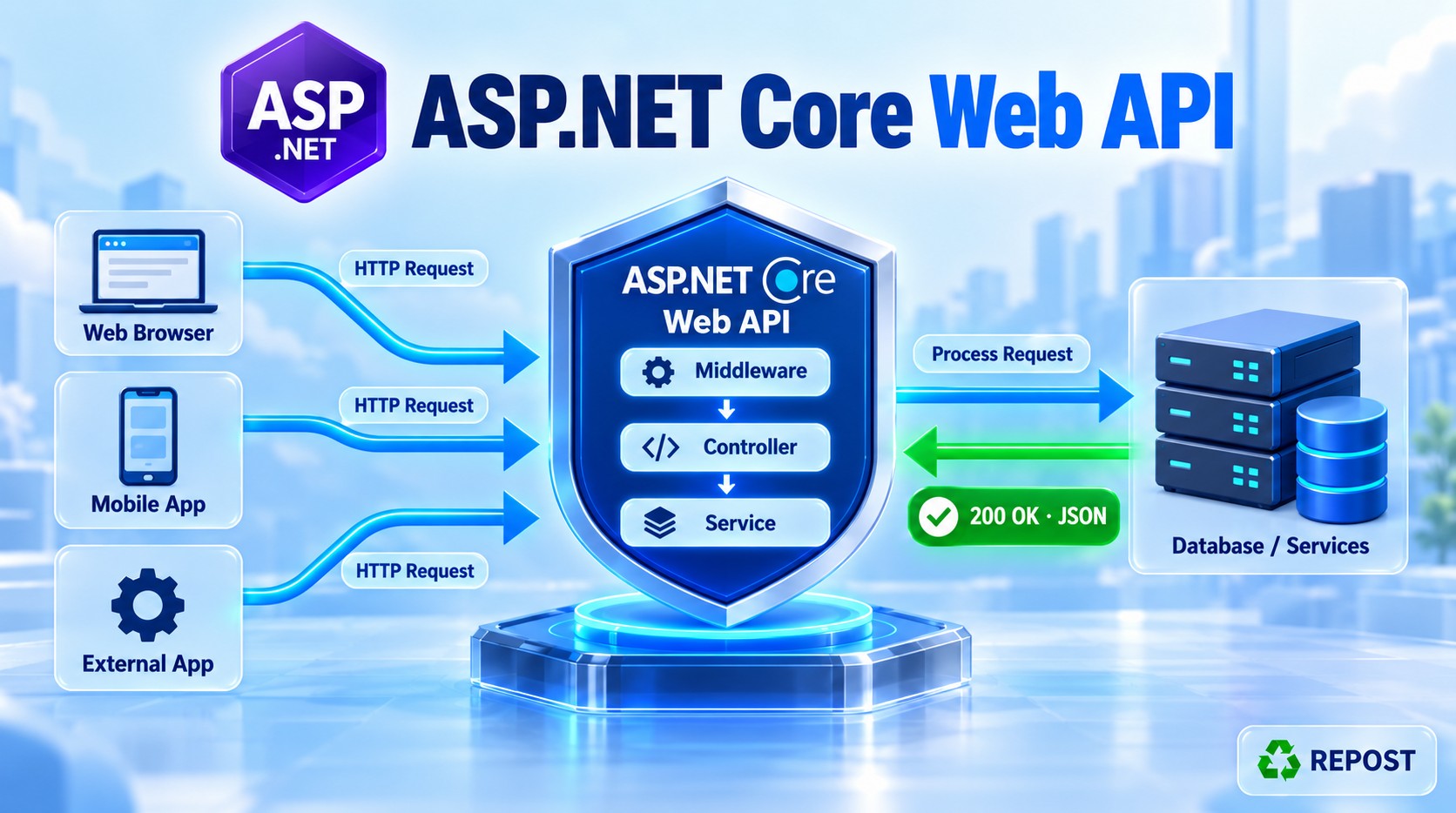


Exception Filter in ASP.NET Core Web API
What is an exception filter?
An exception filter runs when an exception from the applicable MVC controller pipeline reaches it. It can examine the exception, log it, and produce an HTTP error result.
Unlike action and result filters, it does not have a normal “before” and “after” pair. Its method runs only when an exception occurs. An exception filter implements IExceptionFilter or IAsyncExceptionFilter. Microsoft Learn
Simple scenario
Suppose GET /api/products/2 calls a product service and the service throws:
throw new ProductServiceException("Product service is unavailable.");Without specific error handling, that exception continues out of the controller pipeline. An exception filter can catch it and return a controlled response such as 503 Service Unavailable.
Controller action starts
    ↓
Exception is thrown
    ↓
Exception filter runs
    ├─ Logs the exception
    └─ Creates a 503 error result
    ↓
Client receives the error response
Where does it run?
An exception filter handles applicable exceptions from controller action processing, including exceptions reaching it from action filters. It is conditional, so it does not belong in the normal successful request sequence.
It does not catch exceptions from every part of ASP.NET Core. In particular, do not rely on it for errors in middleware, routing, model binding, resource filters, result filters, or MVC result execution. Microsoft Learn
Full working example
This example shows three outcomes:
| Request | What the action does | Response |
|---|---|---|
GET /api/products/1 |
Returns a product | 200 OK |
GET /api/products/2 |
Throws ProductServiceException |
503 Service Unavailable |
GET /api/products/3 |
Throws an unexpected exception | 500 Internal Server Error |
GET /api/products/99 |
Returns NotFound(...) normally |
404 Not Found |
The 404 case is useful: returning an error status is not the same as throwing an exception.
Step 1: Create the project
dotnet new webapi --use-controllers -n ExceptionFilterDemo
cd ExceptionFilterDemo
No extra NuGet package is required.
Step 2: Create Exceptions/ProductServiceException.cs
namespace ExceptionFilterDemo.Exceptions;

public sealed class ProductServiceException : Exception
{
    public ProductServiceException(string message)
        : base(message)
    {
    }
}
This custom exception lets the filter distinguish an expected product service failure from an unexpected programming or system error.
Step 3: Create Filters/ApiExceptionFilter.cs
using ExceptionFilterDemo.Exceptions;
using Microsoft.AspNetCore.Mvc;
using Microsoft.AspNetCore.Mvc.Filters;

namespace ExceptionFilterDemo.Filters;

public sealed class ApiExceptionFilter : IExceptionFilter
{
    private readonly ILogger<ApiExceptionFilter> _logger;

    public ApiExceptionFilter(
        ILogger<ApiExceptionFilter> logger)
    {
        _logger = logger;
    }

    public void OnException(ExceptionContext context)
    {
        // The complete exception, including its stack trace, goes to the log.
        _logger.LogError(
            context.Exception,
            "Exception while executing {Path}. Trace ID: {TraceId}",
            context.HttpContext.Request.Path,
            context.HttpContext.TraceIdentifier);

        int statusCode;
        string title;
        string detail;

        if (context.Exception is ProductServiceException)
        {
            statusCode = StatusCodes.Status503ServiceUnavailable;
            title = "Product service unavailable";
            detail = "Please try again later.";
        }
        else
        {
            statusCode = StatusCodes.Status500InternalServerError;
            title = "Internal server error";
            detail = "An unexpected error occurred.";
        }

        var problem = new ProblemDetails
        {
            Status = statusCode,
            Title = title,
            Detail = detail,
            Instance = context.HttpContext.Request.Path
        };

        problem.Extensions["traceId"] =
            context.HttpContext.TraceIdentifier;

        context.Result = new ObjectResult(problem)
        {
            StatusCode = statusCode,
            ContentTypes = { "application/problem+json" }
        };

        // Tells MVC the exception has been handled here.
        context.ExceptionHandled = true;
    }
}
Step 4: Create Controllers/ProductsController.cs
using ExceptionFilterDemo.Exceptions;
using ExceptionFilterDemo.Filters;
using Microsoft.AspNetCore.Mvc;

namespace ExceptionFilterDemo.Controllers;

[ApiController]
[Route("api/[controller]")]
[ServiceFilter(typeof(ApiExceptionFilter))]
public class ProductsController : ControllerBase
{
    [HttpGet("{id:int}")]
    public IActionResult GetById(int id)
    {
        if (id == 2)
        {
            throw new ProductServiceException(
                "Database connection to the product service failed.");
        }

        if (id == 3)
        {
            throw new InvalidOperationException(
                "Unexpected internal calculation error.");
        }

        if (id != 1)
        {
            return NotFound(
                new { message = $"Product {id} was not found." });
        }

        return Ok(new Product(1, "Laptop", 55000));
    }
}

public record Product(int Id, string Name, decimal Price);
The filter attribute is on the controller, so it applies to the controller’s actions:
[ServiceFilter(typeof(ApiExceptionFilter))]You could put it on a single action if only that action needs this error behavior.
Step 5: Register the filter in Program.cs
using ExceptionFilterDemo.Filters;

var builder = WebApplication.CreateBuilder(args);

builder.Services.AddControllers();

builder.Services.AddScoped<ApiExceptionFilter>();

var app = builder.Build();

app.MapControllers();

app.Run();
[ServiceFilter] gets ApiExceptionFilter from dependency injection. AddScoped<ApiExceptionFilter>() makes it available and allows ASP.NET Core to supply its logger.
Step 6: Run and test
dotnet runUse the URL displayed by dotnet run or Visual Studio.
Test A: Successful request
GET /api/products/1Response: 200 OK
{
  "id": 1,
  "name": "Laptop",
  "price": 55000
}
No exception occurred, so OnException does not run.
Test B: Known service exception
GET /api/products/2Response: 503 Service Unavailable
{
  "type": "about:blank",
  "title": "Product service unavailable",
  "status": 503,
  "detail": "Please try again later.",
  "instance": "/api/products/2",
  "traceId": "0HN..."
}
The exact traceId changes for each request. The server log contains the actual exception and stack trace. The client receives a safe message and a trace ID it can provide when reporting the problem.
Test C: Unexpected exception
GET /api/products/3Response: 500 Internal Server Error
{
  "type": "about:blank",
  "title": "Internal server error",
  "status": 500,
  "detail": "An unexpected error occurred.",
  "instance": "/api/products/3",
  "traceId": "0HN..."
}
The filter logs "Unexpected internal calculation error.", but does not expose that internal message to the client.
Test D: Normal 404 result
GET /api/products/99Response: 404 Not Found
{
  "message": "Product 99 was not found."
}
The action returned NotFound(...); it did not throw. Therefore, the exception filter does not run.
Detailed code explanation
IExceptionFilter and OnException
public sealed class ApiExceptionFilter : IExceptionFilter
{
    public void OnException(ExceptionContext context)
IExceptionFilter is the synchronous interface. OnException receives an ExceptionContext, which gives you the exception and the current HTTP context. It is called when an applicable unhandled exception reaches the filter. Microsoft Learn
context.Exception
context.ExceptionThis is the exception that occurred. You can inspect its type, message, and stack trace. The example uses its type to select an HTTP status:
context.Exception is ProductServiceExceptionIt logs the full exception for diagnosis while returning a simpler public message.
context.Result
context.Result = new ObjectResult(problem)
{
    StatusCode = statusCode,
    ContentTypes = { "application/problem+json" }
};
This supplies an action result to use for the error response. ProblemDetails gives the client a consistent structure containing the title, status, detail, and request path. Assigning Result is one way to tell MVC that the filter handled the exception. Microsoft Learn
context.ExceptionHandled
context.ExceptionHandled = true;This explicitly marks the exception as handled, so it does not continue propagating as an unhandled exception. Microsoft documents setting ExceptionHandled or assigning Result as ways to handle it; the example does both to make its intention clear. Microsoft Learn
HttpContext.TraceIdentifier
context.HttpContext.TraceIdentifierThis identifies the current HTTP request. The same ID appears in the server log and response, helping you match a reported error to its log entry. It is not the exception message or stack trace.
Important limitations
An exception filter has a narrower scope than exception handling middleware:
- It runs only for applicable controller requests.
- It does not handle exceptions from middleware or routing.
- It does not handle exceptions thrown by resource filters, result filters, or result execution.
- A result produced by an exception filter does not pass through an ordinary
IResultFilter. Microsoft Learn
For your Syed.PortfolioPlatform API, which already has a global exception handler, keep that as the main handler for general errors. Use an exception filter when a particular controller or action genuinely needs a different error response. Microsoft likewise recommends exception handling middleware for general error handling. Microsoft Learn
Key points for interviews
IExceptionFilterexposesOnException;IAsyncExceptionFilteris its async counterpart.- The filter runs only when an applicable exception occurs.
- Read the error through
context.Exception. - Log the detailed error on the server; return a safe message to the client.
- Set
context.Resultto produce an HTTP error response and mark the exception handled. - A normal
NotFound(...)orBadRequest(...)return value does not trigger an exception filter. - Prefer global exception handling middleware for errors across the whole API; use exception filters for controller-specific behavior.