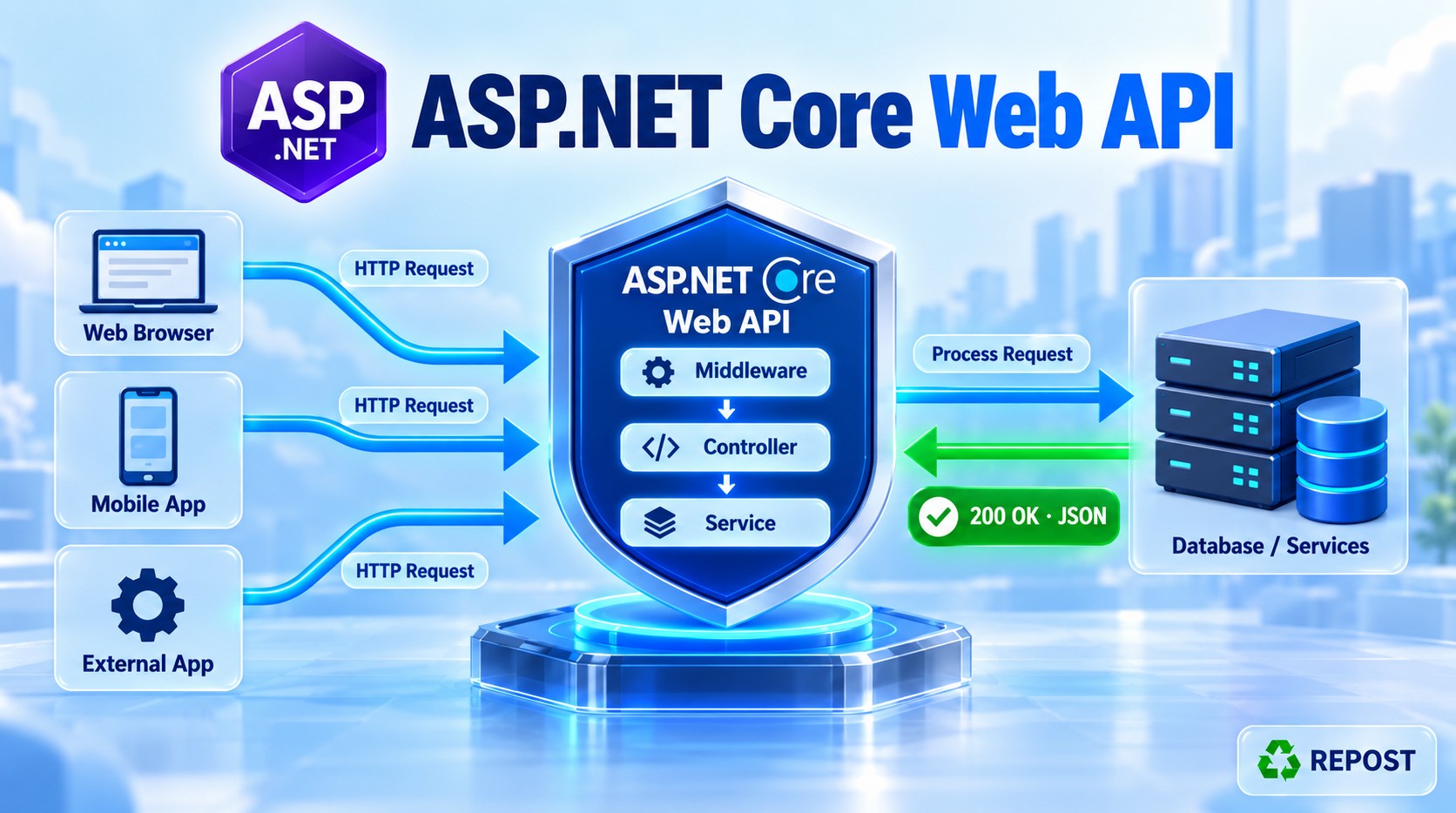


Resource Filter in ASP.NET Core Web API
What is a resource filter?
A resource filter runs around a large part of the controller action pipeline. It runs after authorization and before model binding. Its code can run again after the remaining pipeline finishes. Microsoft Learn
In simple terms:
A resource filter can examine a request early, allow the controller action to run, and then do work when that processing finishes.
It is especially useful when you want to stop a request before model binding and action execution. A cache hit is one example: the filter can return a cached result without running the action again. Microsoft Learn
Its place in the execution order
Request
  ↓
Authorization
  ↓
Resource filter: before
  ↓
Model binding
  ↓
Action filter: before
  ↓
Controller action
  ↓
Action filter: after
  ↓
Result filter and result execution
  ↓
Resource filter: after
  ↓
Response
A resource filter has two main forms:
| Synchronous | Asynchronous | When it runs |
|---|---|---|
OnResourceExecuting |
Code before await next() |
Before model binding and the remaining controller pipeline |
OnResourceExecuted |
Code after await next() |
After the remaining controller pipeline finishes |
Implement IResourceFilter for the synchronous methods or IAsyncResourceFilter for the asynchronous method. The following complete example uses the asynchronous form so you can clearly see the “before → action → after” flow. Microsoft Learn
Full working example
We will create this endpoint:
GET /api/products/1The resource filter will:
- Check for an
X-Client-Idrequest header. - Return
400 Bad Requestimmediately if it is missing. - Allow the controller action to run if it is present.
- Log a message before and after the remaining pipeline.
This header is just a demo input requirement. It is not an authentication or security check.
Step 1: Create a controller-based Web API
dotnet new webapi --use-controllers -n ResourceFilterDemo
cd ResourceFilterDemo
No additional NuGet package is required for this example.
Step 2: Create Filters/ClientIdResourceFilter.cs
using Microsoft.AspNetCore.Mvc;
using Microsoft.AspNetCore.Mvc.Filters;

namespace ResourceFilterDemo.Filters;

public sealed class ClientIdResourceFilter : IAsyncResourceFilter
{
    private readonly ILogger<ClientIdResourceFilter> _logger;

    public ClientIdResourceFilter(
        ILogger<ClientIdResourceFilter> logger)
    {
        _logger = logger;
    }

    public async Task OnResourceExecutionAsync(
        ResourceExecutingContext context,
        ResourceExecutionDelegate next)
    {
        // BEFORE model binding and the controller action
        _logger.LogInformation(
            "RESOURCE FILTER BEFORE: Checking X-Client-Id.");

        if (!context.HttpContext.Request.Headers.TryGetValue(
                "X-Client-Id",
                out var clientId) ||
            string.IsNullOrWhiteSpace(clientId.ToString()))
        {
            _logger.LogInformation(
                "RESOURCE FILTER: Header missing. Stopping request.");

            context.Result = new BadRequestObjectResult(
                new { message = "X-Client-Id header is required." });

            // No next(): model binding and the controller action are skipped.
            return;
        }

        _logger.LogInformation(
            "RESOURCE FILTER: Client ID is {ClientId}.",
            clientId.ToString());

        // Run the rest of the controller filter pipeline.
        ResourceExecutedContext executedContext = await next();

        // AFTER the remaining controller pipeline finishes
        _logger.LogInformation(
            "RESOURCE FILTER AFTER: Pipeline finished. Canceled: {Canceled}.",
            executedContext.Canceled);
    }
}
Step 3: Create Controllers/ProductsController.cs
using Microsoft.AspNetCore.Mvc;
using ResourceFilterDemo.Filters;

namespace ResourceFilterDemo.Controllers;

[ApiController]
[Route("api/[controller]")]
public class ProductsController : ControllerBase
{
    private readonly ILogger<ProductsController> _logger;

    public ProductsController(
        ILogger<ProductsController> logger)
    {
        _logger = logger;
    }

    [HttpGet("{id:int}")]
    [ServiceFilter(typeof(ClientIdResourceFilter))]
    public IActionResult GetById(int id)
    {
        _logger.LogInformation(
            "CONTROLLER ACTION: Getting product {ProductId}.",
            id);

        var products = new[]
        {
            new Product(1, "Laptop", 55000),
            new Product(2, "Mouse", 700)
        };

        var product = products.FirstOrDefault(p => p.Id == id);

        if (product is null)
        {
            return NotFound(
                new { message = $"Product {id} was not found." });
        }

        return Ok(product);
    }
}

public record Product(int Id, string Name, decimal Price);
[ServiceFilter(typeof(ClientIdResourceFilter))] applies the filter to this action and lets ASP.NET Core create it through dependency injection. That is how its ILogger<ClientIdResourceFilter> constructor parameter is supplied.
Step 4: Register the filter in Program.cs
using ResourceFilterDemo.Filters;

var builder = WebApplication.CreateBuilder(args);

builder.Services.AddControllers();

// Required because the action uses [ServiceFilter].
builder.Services.AddScoped<ClientIdResourceFilter>();

var app = builder.Build();

app.MapControllers();

app.Run();
The essential registration is:
builder.Services.AddScoped<ClientIdResourceFilter>();Without it, [ServiceFilter] cannot resolve the filter from dependency injection.
Step 5: Run and test
dotnet runUse the URL shown in your terminal or Visual Studio.
Test A: Header is present
GET /api/products/1
X-Client-Id: syed-demo
Response: 200 OK
{
  "id": 1,
  "name": "Laptop",
  "price": 55000
}
Console log order:
RESOURCE FILTER BEFORE: Checking X-Client-Id.
RESOURCE FILTER: Client ID is syed-demo.
CONTROLLER ACTION: Getting product 1.
RESOURCE FILTER AFTER: Pipeline finished. Canceled: False.
The important line is await next(): it lets the request proceed to model binding and the action. Once that work finishes, execution returns to the resource filter.
Test B: Header is missing
GET /api/products/1Response: 400 Bad Request
{
  "message": "X-Client-Id header is required."
}
Console log order:
RESOURCE FILTER BEFORE: Checking X-Client-Id.
RESOURCE FILTER: Header missing. Stopping request.
There is no controller action log and no “RESOURCE FILTER AFTER” log. The filter set context.Result and returned without calling next(), so the remaining controller pipeline was skipped. Setting Result is how a resource filter short-circuits that pipeline. Microsoft Learn
Code explanation
IAsyncResourceFilter
public sealed class ClientIdResourceFilter : IAsyncResourceFilterThis tells ASP.NET Core that the class is an asynchronous resource filter. Its method receives the current request context and a next delegate.
ResourceExecutingContext context
ResourceExecutingContext contextThis gives the filter access to information about the current request. In the example, we read the request header through:
context.HttpContext.Request.HeadersWe can also assign an action result to:
context.ResultA non-null Result stops the remaining resource and action pipeline and uses that result for the response. Microsoft Learn
ResourceExecutionDelegate next
ResourceExecutionDelegate nextCalling:
await next();means “continue running the rest of the controller pipeline.” The action can then execute, followed by its result. When that work finishes, execution returns to the line after await next().
ResourceExecutedContext executedContext
ResourceExecutedContext executedContext = await next();This provides information about how the remaining pipeline finished. For example, its Canceled property indicates that a resource filter short-circuited execution. The after section is also a suitable place for observing completion or cleaning up work started by this filter. Microsoft Learn
When would you use a resource filter?
Common examples include:
- Returning a cached result early, avoiding model binding and action execution.
- Rejecting a request before model binding when a required request condition is missing.
- Changing model-binding behavior, such as preventing form data from being read automatically for a large file upload. Microsoft Learn
For normal application authorization, continue using [Authorize] and policies. For general work on every HTTP request, middleware is often a better fit.
Key points for interviews
- A resource filter runs after authorization and before model binding.
- It surrounds model binding, the action, and result processing.
OnResourceExecutingruns before;OnResourceExecutedruns afterward.- In
IAsyncResourceFilter, code beforeawait next()is the “before” part; code after it is the “after” part. - Setting
context.Resultand not callingnext()stops the remaining controller pipeline. - If the filter itself short-circuits before
next(), its code afternext()cannot run becausenext()was never called.