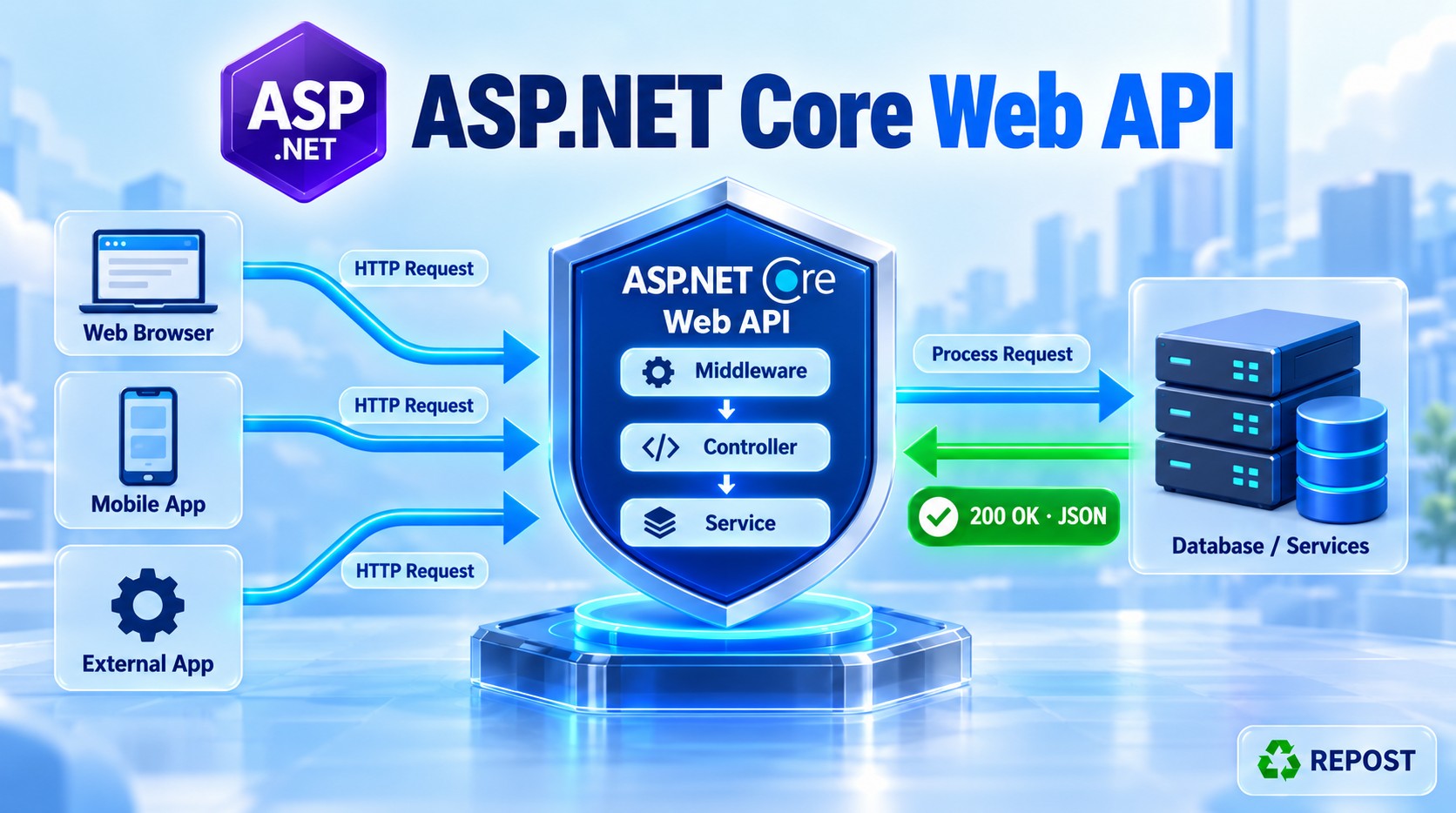


Result Filter in ASP.NET Core Web API
What is a result filter?
A result filter runs immediately before and after an action result is executed.
For a Web API action, there are two separate steps:
- The controller action creates a result, such as
Ok(product). - ASP.NET Core executes that result, which may serialize
productinto JSON and write the HTTP response.
The result filter surrounds step 2. Microsoft Learn
Controller action returns Ok(product)
    ↓
OnResultExecuting
    ↓
OkObjectResult executes: product becomes JSON in the response
    ↓
OnResultExecuted
This is the main difference from the action filter you just learned:
| Filter | Surrounds |
|---|---|
| Action filter | Running the controller action |
| Result filter | Executing the result returned by the action |
Main methods
| Method | When it runs | Typical use |
|---|---|---|
OnResultExecuting |
Before result execution | Inspect or replace the result; add a response header |
OnResultExecuted |
After result execution | Log completion or inspect whether execution failed |
A result filter implements IResultFilter. The asynchronous equivalent is IAsyncResultFilter. Microsoft Learn
Full working example
We will create a products endpoint and a result filter that:
- Logs which result the controller produced.
- Adds an
X-Result-Filterheader before the response is written. - Logs the final status code after the result executes.
Step 1: Create the project
dotnet new webapi --use-controllers -n ResultFilterDemo
cd ResultFilterDemo
No additional NuGet package is required.
Step 2: Create Filters/ResponseInfoResultFilter.cs
using Microsoft.AspNetCore.Mvc.Filters;

namespace ResultFilterDemo.Filters;

public sealed class ResponseInfoResultFilter : IResultFilter
{
    private readonly ILogger<ResponseInfoResultFilter> _logger;

    public ResponseInfoResultFilter(
        ILogger<ResponseInfoResultFilter> logger)
    {
        _logger = logger;
    }

    public void OnResultExecuting(ResultExecutingContext context)
    {
        _logger.LogInformation(
            "RESULT FILTER BEFORE: Result type = {ResultType}",
            context.Result.GetType().Name);

        // Headers must be set before the response starts.
        context.HttpContext.Response.Headers["X-Result-Filter"] =
            "Executed";
    }

    public void OnResultExecuted(ResultExecutedContext context)
    {
        _logger.LogInformation(
            "RESULT FILTER AFTER: HTTP status = {StatusCode}",
            context.HttpContext.Response.StatusCode);

        if (context.Exception is not null)
        {
            _logger.LogError(
                context.Exception,
                "Result execution failed.");
        }
    }
}
Step 3: Create Controllers/ProductsController.cs
using Microsoft.AspNetCore.Mvc;
using ResultFilterDemo.Filters;

namespace ResultFilterDemo.Controllers;

[ApiController]
[Route("api/[controller]")]
public class ProductsController : ControllerBase
{
    private readonly ILogger<ProductsController> _logger;

    public ProductsController(
        ILogger<ProductsController> logger)
    {
        _logger = logger;
    }

    [HttpGet("{id:int}")]
    [ServiceFilter(typeof(ResponseInfoResultFilter))]
    public IActionResult GetById(int id)
    {
        _logger.LogInformation(
            "CONTROLLER ACTION: Getting product {ProductId}",
            id);

        var products = new[]
        {
            new Product(1, "Laptop", 55000),
            new Product(2, "Mouse", 700)
        };

        var product = products.FirstOrDefault(p => p.Id == id);

        if (product is null)
        {
            return NotFound(
                new { message = $"Product {id} was not found." });
        }

        return Ok(product);
    }
}

public record Product(int Id, string Name, decimal Price);
Step 4: Register the filter in Program.cs
using ResultFilterDemo.Filters;

var builder = WebApplication.CreateBuilder(args);

builder.Services.AddControllers();

// [ServiceFilter] obtains this class from dependency injection.
builder.Services.AddScoped<ResponseInfoResultFilter>();

var app = builder.Build();

app.MapControllers();

app.Run();
The registration is required because the controller action uses:
[ServiceFilter(typeof(ResponseInfoResultFilter))][ServiceFilter] resolves the filter from dependency injection, which also supplies its ILogger.
Step 5: Run and test
dotnet runUse the address printed by the application.
Case A: Product exists
GET /api/products/1Response status: 200 OK
Response header:
X-Result-Filter: ExecutedResponse body:
{
  "id": 1,
  "name": "Laptop",
  "price": 55000
}
Log order:
CONTROLLER ACTION: Getting product 1
RESULT FILTER BEFORE: Result type = OkObjectResult
RESULT FILTER AFTER: HTTP status = 200
Case B: Product does not exist
GET /api/products/99Response status: 404 Not Found
Response header:
X-Result-Filter: ExecutedResponse body:
{
  "message": "Product 99 was not found."
}
Log order:
CONTROLLER ACTION: Getting product 99
RESULT FILTER BEFORE: Result type = NotFoundObjectResult
RESULT FILTER AFTER: HTTP status = 404
The result filter runs for both 200 and 404 here. “The action completed successfully” means it returned an action result without an unhandled exception. A returned NotFound(...) result is still a normal completed action. Microsoft Learn
Detailed code explanation
IResultFilter
public sealed class ResponseInfoResultFilter : IResultFilterThis requires the filter to implement:
OnResultExecuting(...)
OnResultExecuted(...)
They surround result execution, including JSON serialization for a typical API response. Microsoft Learn
Reading the result before it executes
context.Result.GetType().NameAt this point, the action has already returned. We can see whether its result is an OkObjectResult, NotFoundObjectResult, or another result type.
context.Result can also be replaced before execution if the application has a reason to return a different result. The example only inspects it.
Adding the response header
context.HttpContext.Response.Headers["X-Result-Filter"] =
    "Executed";
OnResultExecuting is a suitable place to set this header because the result has not yet written the response.
Inspecting the status afterward
context.HttpContext.Response.StatusCodeAfter the result executes, this shows the response status produced in our example: 200 or 404.
Do not rely on OnResultExecuted to change headers or replace the response body. The response may already have started or been sent by then. Use the before method for response changes. Microsoft Learn
Checking Exception
context.ExceptionIf result execution throws, this may contain the exception. The sample logs it without marking it handled. Handling errors while a response is already being written is difficult because part of the response may have reached the client. Microsoft Learn
Important execution rule
A normal IResultFilter runs when the action or an action filter produces a result successfully. It does not run when an authorization or resource filter stops the request before the action, or when an exception filter produces the result after handling an exception. If you specifically need a filter around results from those paths too, ASP.NET Core provides IAlwaysRunResultFilter. Microsoft Learn
Async form
If result-filter work must await something, use IAsyncResultFilter:
using Microsoft.AspNetCore.Mvc.Filters;

public sealed class AsyncExampleResultFilter : IAsyncResultFilter
{
    public async Task OnResultExecutionAsync(
        ResultExecutingContext context,
        ResultExecutionDelegate next)
    {
        // Before result execution
        Console.WriteLine("Before result");

        ResultExecutedContext executedContext = await next();

        // After result execution
        Console.WriteLine(
            $"After result: {executedContext.HttpContext.Response.StatusCode}");
    }
}
await next() executes the remaining result filters and the action result. Microsoft Learn
Key points for interviews
- A result filter runs around action-result execution, after the action has produced a result.
OnResultExecutingruns before the result writes the response.OnResultExecutedruns after result execution.- A returned
404 NotFound(...)still goes through a normal result filter. - A normal result filter does not run for every possible response;
IAlwaysRunResultFiltercovers additional result paths. - Change response headers before the result executes, because the response may already be sent afterward.