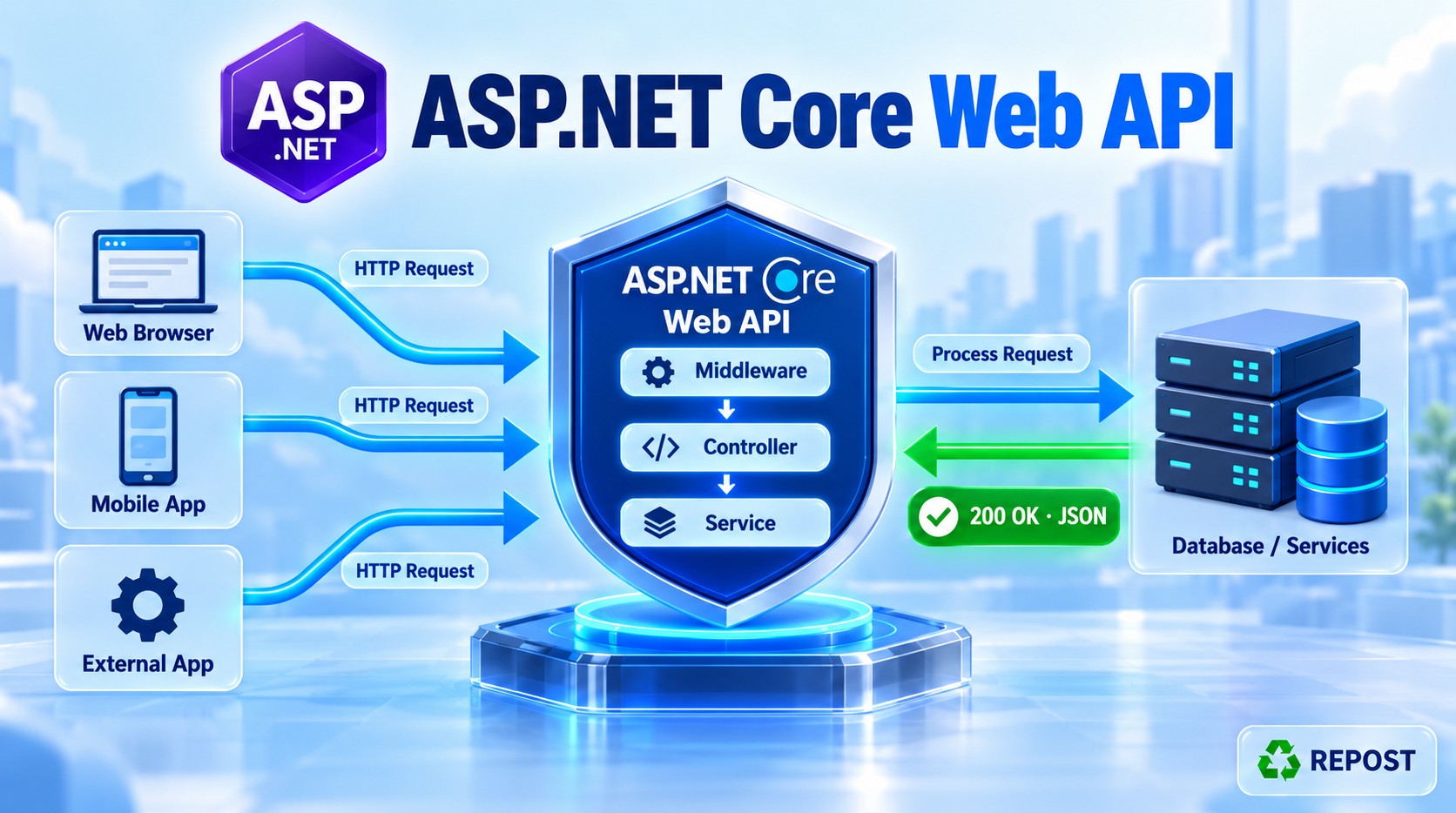


Filters in ASP.NET Core Web API
What is a filter?
A filter is code that runs at a specific stage while ASP.NET Core processes a controller action. It can run before or after the action, check access, handle certain exceptions, or inspect the result. This helps you apply common behavior without repeating it in every action. learn.microsoft.com
Types of filters
| Filter | What it does | Main methods |
|---|---|---|
| Authorization | Checks whether the request can access the action. | OnAuthorization |
| Resource | Runs around most of the controller filter pipeline. | OnResourceExecuting, OnResourceExecuted |
| Action | Runs around the controller action. | OnActionExecuting, OnActionExecuted |
| Exception | Handles certain unhandled exceptions. | OnException |
| Result | Runs around execution of the action result. | OnResultExecuting, OnResultExecuted |
These are the five main controller filter types. ASP.NET Core also has endpoint filters, which run around endpoint handlers and can be used with API endpoints; they are separate from the five-stage controller sequence below. learn.microsoft.com
Order of execution
For a request that is authorized and completes successfully:
HTTP request
  ↓
Authorization filter
  ↓
OnResourceExecuting
  ↓
Model binding
  ↓
OnActionExecuting
  ↓
Controller action
  ↓
OnActionExecuted
  ↓
OnResultExecuting
  ↓
Result execution (for example, writing JSON)
  ↓
OnResultExecuted
  ↓
OnResourceExecuted
  ↓
HTTP response
The “Executing” methods run on the way toward the action or result. The “Executed” methods run as those stages finish. Model binding happens after the resource filter starts and before the action filter starts. learn.microsoft.com
Where does the exception filter fit? It is not a regular step in every request. It runs only when an applicable unhandled exception occurs; it does not catch exceptions from every stage of the pipeline. Also, a filter can stop the request early, so the full sequence above will not always run. learn.microsoft.com
Key point for interviews: Authorization → Resource → Action → Result, with the “after” methods running as their surrounding stages finish. Exception filtering is conditional.