

Adapter Design Pattern in C#
1. What is Adapter Pattern?
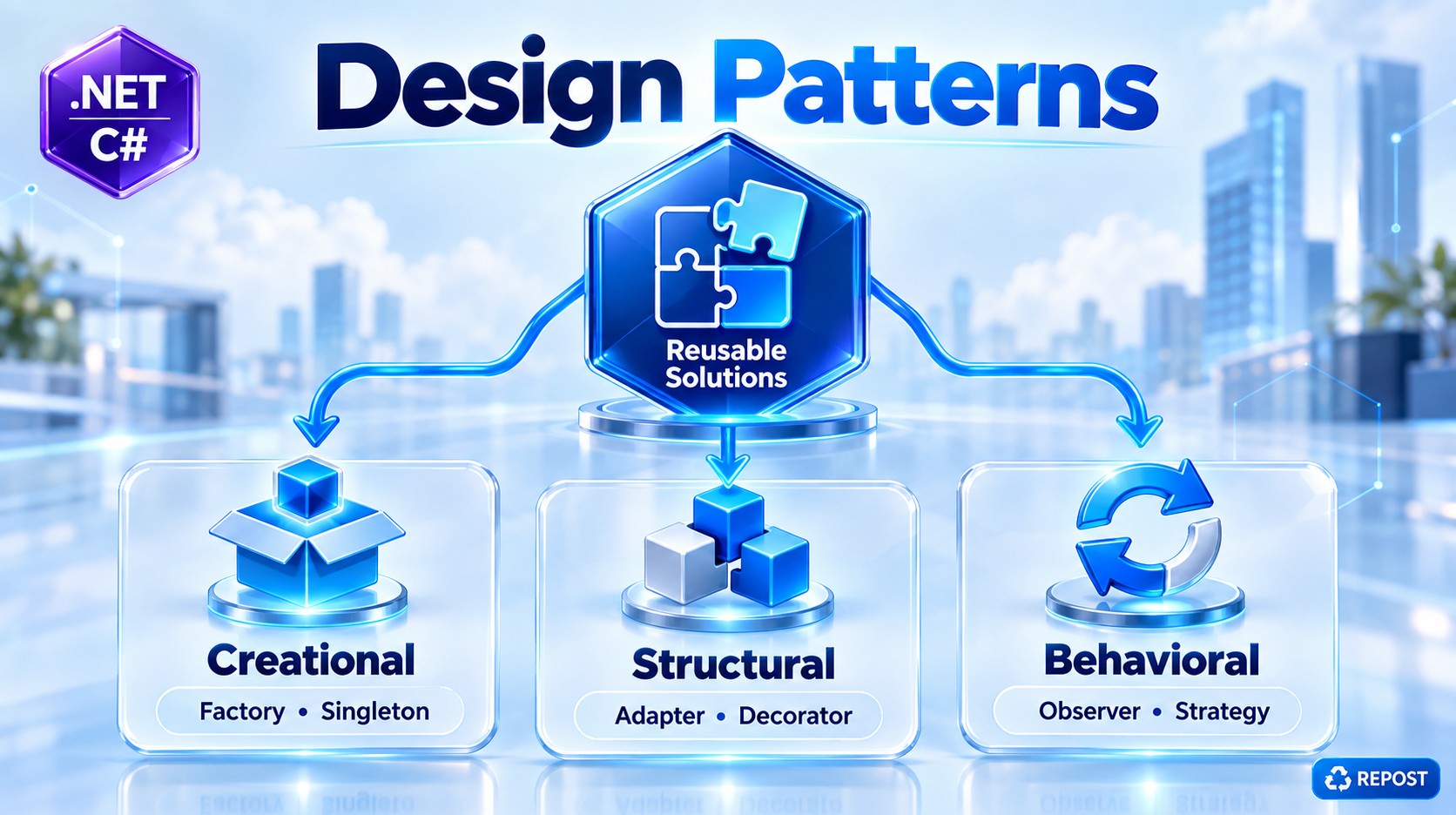
Adapter is a Structural Design Pattern that allows two incompatible interfaces to work together.
Simple definition:
Adapter converts the interface of an existing class into the interface that the client expects.
Think about a physical power adapter:
Laptop Charger
     ↓
Different Plug
     ↓
Power Adapter
     ↓
Wall Socket
The adapter doesn't change the charger or wall socket. It simply makes them compatible.
The same idea applies in software.
Our Application
      ↓
Expected Interface
      ↓
Adapter
      ↓
Existing / Third-Party Service
2. Why Do We Need Adapter Pattern?
Suppose our application has this interface:
public interface IPaymentService
{
    void Pay(decimal amount);
}
Our application expects every payment provider to support:
Pay(amount);We already have:
public class PaymentService : IPaymentService
{
    public void Pay(decimal amount)
    {
        Console.WriteLine($"Payment ₹{amount} processed.");
    }
}
Everything is fine.
using System;

public interface IPaymentService
{
    void Pay(decimal amount);
}

public class PaymentService : IPaymentService
{
    public void Pay(decimal amount)
    {
        Console.WriteLine($"Payment of ₹{amount} processed successfully.");
    }
}

public class Program
{
    public static void Main()
    {
        IPaymentService paymentService = new PaymentService();

        paymentService.Pay(1500);
    }
}
Later, the company decides to integrate a third-party payment gateway.
Assume the third-party library provides:
public class ThirdPartyPaymentGateway
{
    public void MakePayment(double amount)
    {
        Console.WriteLine(
            $"Third-party payment ₹{amount} processed.");
    }
}
Now we have a problem.
Our application expects:
Pay(decimal amount);But the third-party library provides:
MakePayment(double amount);They are incompatible.
Our Application
      ↓
Pay(decimal)
      X
MakePayment(double)
      ↑
Third-Party Gateway
We don't want to modify all of our application code.
We also may not be able to modify the third-party library.
This is exactly where the Adapter Pattern is useful.
3. Solution Using Adapter
We create an adapter between our application and the third-party service.
Our Application
       ↓
IPaymentService
Pay(decimal)
       ↓
PaymentAdapter
       ↓
Convert decimal → double
       ↓
MakePayment(double)
       ↓
ThirdPartyPaymentGateway
The adapter acts as a translator.
4. Simple Scenario
We will use these classes:
IPaymentService
       ▲
       │
PaymentAdapter
       │
       ▼
ThirdPartyPaymentGateway
The application understands:
IPaymentServiceThe third-party service has:
ThirdPartyPaymentGatewayThe adapter connects them.
5. Step 1 — Create the Target Interface
public interface IPaymentService
{
    void Pay(decimal amount);
}
This is called the Target Interface.
Why "Target"?
Because this is the interface that our application expects to use.
Our client wants:
paymentService.Pay(1000);It doesn't want to know anything about the third-party API.
6. Step 2 — Third-Party Service
Imagine this class comes from an external payment library:
public class ThirdPartyPaymentGateway
{
    public void MakePayment(double amount)
    {
        Console.WriteLine(
            $"Third-party payment ₹{amount} processed.");
    }
}
Notice the method:
MakePayment(double amount)Our application expects:
Pay(decimal amount)So they don't match.
This third-party class is called the Adaptee.
7. What is Adaptee?
This terminology is important for interviews.
Adaptee is the existing class that has an incompatible interface and needs to be adapted.
In our example:
ThirdPartyPaymentGatewayis the Adaptee.
It already works.
We don't want to change it.
We simply want our application to communicate with it.
8. Step 3 — Create Adapter
Now we create:
public class PaymentAdapter : IPaymentService
{
    private readonly ThirdPartyPaymentGateway _gateway;

    public PaymentAdapter(
        ThirdPartyPaymentGateway gateway)
    {
        _gateway = gateway;
    }

    public void Pay(decimal amount)
    {
        double convertedAmount = (double)amount;

        _gateway.MakePayment(convertedAmount);
    }
}
This is the most important class.
The adapter implements:
IPaymentServicewhich our application understands.
Internally it contains:
ThirdPartyPaymentGatewaywhich is the incompatible third-party service.
9. Step 4 — Program.cs
public class Program
{
    public static void Main()
    {
        ThirdPartyPaymentGateway gateway =
            new ThirdPartyPaymentGateway();

        IPaymentService paymentService =
            new PaymentAdapter(gateway);

        paymentService.Pay(1500);
    }
}
Output:
Third-party payment ₹1500 processed.10. Full Simple Program
using System;


// Target Interface
public interface IPaymentService
{
    void Pay(decimal amount);
}


// Third-party / Existing class
// Adaptee
public class ThirdPartyPaymentGateway
{
    public void MakePayment(double amount)
    {
        Console.WriteLine(
            $"Third-party payment ₹{amount} processed.");
    }
}


// Adapter
public class PaymentAdapter : IPaymentService
{
    private readonly ThirdPartyPaymentGateway _gateway;

    public PaymentAdapter(
        ThirdPartyPaymentGateway gateway)
    {
        _gateway = gateway;
    }

    public void Pay(decimal amount)
    {
        // Convert application's decimal
        // into third-party double
        double convertedAmount = (double)amount;

        // Call third-party method
        _gateway.MakePayment(convertedAmount);
    }
}


// Client
public class Program
{
    public static void Main()
    {
        // Existing third-party service
        ThirdPartyPaymentGateway gateway =
            new ThirdPartyPaymentGateway();

        // Wrap third-party service with Adapter
        IPaymentService paymentService =
            new PaymentAdapter(gateway);

        // Our application uses its normal interface
        paymentService.Pay(1500);
    }
}
11. Output
Third-party payment ₹1500 processed.The client called:
paymentService.Pay(1500);But internally the third-party method was:
_gateway.MakePayment(1500);The Adapter translated between the two.
12. Detailed Explanation
Let's understand the execution step-by-step.
First:
ThirdPartyPaymentGateway gateway =
    new ThirdPartyPaymentGateway();
Memory conceptually contains:
gateway
   ↓
ThirdPartyPaymentGateway
The third-party service knows:
MakePayment(double amount)13. Create Adapter
Next:
IPaymentService paymentService =
    new PaymentAdapter(gateway);
We pass the third-party service into:
PaymentAdapterConstructor:
public PaymentAdapter(
    ThirdPartyPaymentGateway gateway)
{
    _gateway = gateway;
}
Now:
paymentService
      ↓
PaymentAdapter
      │
      │ _gateway
      ↓
ThirdPartyPaymentGateway
The adapter holds a reference to the third-party object.
14. Client Calls Pay()
Now:
paymentService.Pay(1500);The client thinks only in terms of:
IPaymentServiceIt knows:
Pay(decimal amount)It doesn't care that internally we are using:
ThirdPartyPaymentGateway15. Adapter Receives the Request
The Adapter's method executes:
public void Pay(decimal amount)
{
    double convertedAmount = (double)amount;

    _gateway.MakePayment(convertedAmount);
}
First:
decimal
1500
is converted to:
double
1500
Then:
_gateway.MakePayment(convertedAmount);calls the third-party API.
16. Complete Execution Flow
Client
  │
  │ Pay(1500)
  ↓
IPaymentService
  │
  ↓
PaymentAdapter
  │
  │ decimal → double
  │
  │ MakePayment(1500)
  ↓
ThirdPartyPaymentGateway
  │
  ↓
Payment Processed
This is the core idea of Adapter.
17. Main Components of Adapter Pattern
There are normally four important participants.
| Component | Our Example | Purpose |
|---|---|---|
| Client | Program |
Wants to make payment |
| Target | IPaymentService |
Interface client expects |
| Adapter | PaymentAdapter |
Converts one interface to another |
| Adaptee | ThirdPartyPaymentGateway |
Existing incompatible class |
Remember this terminology.
18. Target
The Target is:
IPaymentServicepublic interface IPaymentService
{
void Pay(decimal amount);
}This represents:
What our application expects.
19. Adaptee
The Adaptee is:
ThirdPartyPaymentGatewayIt represents:
Existing functionality we want to reuse.
But its interface doesn't match our application's interface.
20. Adapter
The Adapter:
PaymentAdapterimplements:
IPaymentServiceand internally calls:
ThirdPartyPaymentGatewaySo:
Expected Interface
       ↓
    Adapter
       ↓
Existing Interface
21. Client
The client doesn't need to know the conversion details.
It simply does:
IPaymentService paymentService = ...;

paymentService.Pay(1500);
This is important.
The client should not need to do:
var gateway = new ThirdPartyPaymentGateway();

gateway.MakePayment((double)amount);
everywhere.
The conversion/integration logic belongs in the Adapter.
22. Without Adapter
Imagine several services need the third-party gateway.
You might write:
double amount =
    Convert.ToDouble(order.Amount);

_gateway.MakePayment(amount);
in:
OrderService
PaymentService
SubscriptionService
RenewalService
InvoiceService
Now third-party-specific code is spread throughout the application.
OrderService ────────────┐
PaymentService ──────────┤
SubscriptionService ─────┼── ThirdPartyPaymentGateway
InvoiceService ──────────┤
RenewalService ──────────┘
If the third-party API changes:
MakePayment()to something else, many classes might need modification.
23. With Adapter
Instead:
OrderService ────────────┐
PaymentService ──────────┤
SubscriptionService ─────┼── IPaymentService
InvoiceService ──────────┤
RenewalService ──────────┘
                              ↓
                        PaymentAdapter
                              ↓
                    ThirdPartyPaymentGateway
Third-party-specific integration logic is isolated in one place.
If the external library changes, ideally we modify:
PaymentAdapterinstead of changing the whole application.
24. Adapter Can Convert More Than Method Names
Adapter isn't only for:
Pay()
     ↓
MakePayment()
It can translate several incompatibilities.
Method name
Pay()
    ↓
MakePayment()
Data type
decimal
   ↓
double
Request model
Your application:
PaymentRequestThird-party:
GatewayPaymentRequestAdapter can map:
PaymentRequest
       ↓
Adapter
       ↓
GatewayPaymentRequest
Response model
Third-party:
GatewayResponseAdapter can convert it into:
PaymentResultSo in real projects an adapter often performs:
Request mapping
Data conversion
Method translation
Response mapping
Exception translation
25. More Realistic Example
Suppose our application uses:
public class PaymentRequest
{
    public decimal Amount { get; set; }

    public string Currency { get; set; } = string.Empty;
}
Our interface:
public interface IPaymentService
{
    void Pay(PaymentRequest request);
}
But third party expects:
public class GatewayRequest
{
    public double Total { get; set; }

    public string CurrencyCode { get; set; } = string.Empty;
}
Adapter can perform:
public void Pay(PaymentRequest request)
{
    var gatewayRequest = new GatewayRequest
    {
        Total = (double)request.Amount,
        CurrencyCode = request.Currency
    };

    _gateway.MakePayment(gatewayRequest);
}
This is much closer to how adapters are used in real systems.
26. Real-World ASP.NET Core Usage
Adapter is particularly useful when integrating external systems such as:
- Payment gateways
- SMS providers
- Email providers
- Cloud storage
- Legacy systems
- External REST APIs
- Third-party SDKs
- Authentication providers
For example:
ASP.NET Core Application
          ↓
     ISmsService
          ↓
    TwilioAdapter
          ↓
     Twilio SDK
Your business code only knows:
ISmsServiceIt doesn't need to know Twilio-specific classes.
If the provider changes later:
Before

ISmsService
    ↓
TwilioAdapter
    ↓
Twilio


After

ISmsService
    ↓
AnotherSmsAdapter
    ↓
Another Provider
The business layer can remain largely unchanged.
27. Adapter with Dependency Injection
In ASP.NET Core, Adapter works naturally with DI.
For example:
builder.Services.AddScoped<ThirdPartyPaymentGateway>();

builder.Services.AddScoped<IPaymentService, PaymentAdapter>();
Then the controller doesn't know about the Adapter or third-party implementation.
[ApiController]
[Route("api/[controller]")]
public class PaymentController : ControllerBase
{
    private readonly IPaymentService _paymentService;

    public PaymentController(
        IPaymentService paymentService)
    {
        _paymentService = paymentService;
    }

    [HttpPost]
    public IActionResult Pay(decimal amount)
    {
        _paymentService.Pay(amount);

        return Ok("Payment successful");
    }
}
ASP.NET Core DI resolves:
PaymentController
       ↓
IPaymentService
       ↓
PaymentAdapter
       ↓
ThirdPartyPaymentGateway
This is a very practical implementation of Adapter in an ASP.NET Core application.
28. Adapter vs Decorator
Since you just learned Decorator, this difference is important.
Adapter
Purpose: Make incompatible interfaces compatible.
Application
    ↓
IPaymentService
    ↓
Adapter
    ↓
Different Third-Party Interface
It changes/translates the interface.
Decorator
Purpose: Add additional behavior.
Controller
    ↓
LoggingDecorator
    ↓
PaymentService
Both normally expose the same interface.
For example:
IPaymentServiceDecorator adds:
Logging
Caching
Timing
Validation
without changing the expected contract.
Easy difference
Adapter
   ↓
Make incompatible interfaces compatible.

Decorator
   ↓
Add behavior to an existing object.
29. Adapter vs Facade
Another common interview question.
Adapter
Makes incompatible interfaces compatible.
Client
  ↓
Adapter
  ↓
Incompatible Service
Facade
Provides a simpler interface over a complex subsystem.
Client
  ↓
Facade
  ↓
Service A
Service B
Service C
So:
Adapter = Compatibility
Facade = Simplicity
30. Advantages
1. Reuse Existing Classes
You can reuse an existing or third-party class even when its interface doesn't match your application.
2. No Need to Modify Third-Party Code
You don't change:
ThirdPartyPaymentGatewayInstead:
ThirdParty code
      ↑
    Adapter
      ↑
Application
3. Loose Coupling
Business code depends on:
IPaymentServicerather than:
ThirdPartyPaymentGatewayThis reduces direct dependency on external libraries.
4. Third-Party Logic Is Centralized
Conversion logic remains inside:
PaymentAdapterinstead of being scattered across controllers and services.
5. Easier Provider Replacement
Today:
IPaymentService
       ↓
ProviderAAdapter
Tomorrow:
IPaymentService
       ↓
ProviderBAdapter
The application's core business code can continue using:
IPaymentService6. Easier Testing
Your business service can depend on:
IPaymentServicewhich can be mocked or replaced during unit testing.
7. Supports SOLID Principles
Especially:
Single Responsibility Principle
The Adapter is responsible for integration/conversion.
Open/Closed Principle
New adapters can be introduced without rewriting existing business logic.
Dependency Inversion Principle
High-level application code can depend on:
IPaymentServiceinstead of depending directly on a third-party implementation.
31. Disadvantages
Adapter does introduce additional classes.
Instead of:
Application
    ↓
Third Party
you now have:
Application
    ↓
Interface
    ↓
Adapter
    ↓
Third Party
For a tiny application where the interfaces already match, an Adapter may be unnecessary.
Also, if an adapter becomes responsible for too much business logic, it can become complicated. Its primary responsibility should remain translation/integration.
32. When Should We Use Adapter?
Use Adapter when:
Existing interface doesn't match your application
Our Interface
     ≠
Existing Interface
Integrating third-party libraries
For example:
Payment Gateway
SMS Provider
Email Provider
Cloud SDK
Integrating legacy systems
Modern Application
       ↓
Adapter
       ↓
Legacy System
Replacing external providers
Keep your business code independent from vendor-specific APIs.
33. Easy Way to Remember
Think of a mobile charger.
Phone Charger
     ↓
Plug doesn't fit
     ↓
Adapter
     ↓
Wall Socket
You don't:
- Modify the charger
- Modify the wall socket
You put an adapter between them.
Similarly:
Our Application
      ↓
Interface doesn't match
      ↓
Adapter
      ↓
Existing / Third-Party System
Key Points
- Adapter is a Structural Design Pattern.
- It allows incompatible interfaces to work together.
- The Target is the interface expected by the application.
- The Adaptee is the existing/third-party class with an incompatible interface.
- The Adapter converts/translates between Target and Adaptee.
- The Client works with the Target interface.
- Adapter can translate method names, parameters, data types, request models and response models.
- It is commonly used with third-party APIs, SDKs and legacy systems.
- It prevents third-party-specific code from spreading throughout the application.
- It improves loose coupling and testability.
- It works naturally with ASP.NET Core Dependency Injection.
- Adapter usually uses composition by holding the Adaptee internally.
- Adapter = compatibility.
- Decorator = additional behavior.
- Facade = simplified interface.
- Use Adapter when an existing service provides the functionality you need but its interface does not match what your application expects.
One-line interview answer
Use Adapter when integrating a third-party SDK, external API, or legacy component whose contract doesn't match my application's contract. I keep the vendor-specific models and conversion logic behind my own interface so the business layer doesn't directly depend on the vendor.