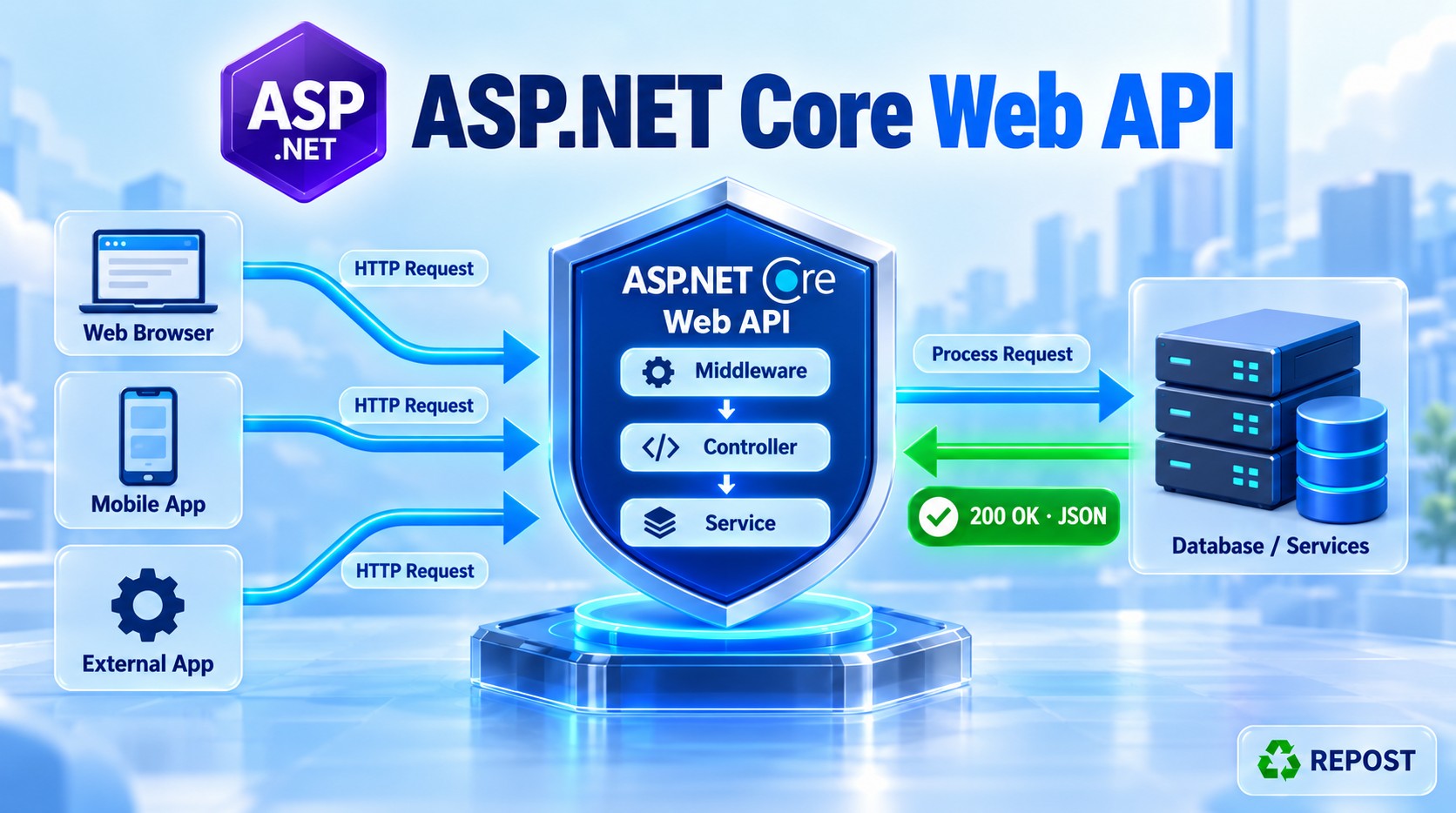


1. What is a health check?
A health check is an endpoint that reports whether your application is running and whether its configured dependencies are working.
Example:
GET /healthResponse:
HealthyThe basic health check only confirms that the application can respond. Checking SQL Server, Redis, or another API requires additional checks. Microsoft Learn
2. Why do we need it?
An application might be running while its database is unavailable.
Health checks help monitoring tools detect these problems. Depending on how your hosting platform is configured, it can:
- Alert the support team.
- Stop sending traffic to an unhealthy instance.
- Restart an unresponsive application.
3. Full simple program
For a basic health check, no additional NuGet package or controller is required in a standard ASP.NET Core Web API project.
Use this Program.cs:
var builder = WebApplication.CreateBuilder(args);

builder.Services.AddControllers();

// Register health check services.
builder.Services.AddHealthChecks();

var app = builder.Build();

app.UseHttpsRedirection();

// Create the health check endpoint.
app.MapHealthChecks("/health");

app.MapControllers();

app.Run();
Run the application and open this URL in a browser or Postman:
GET https://localhost:7001/healthReplace 7001 with your application's HTTPS port.
Response:
200 OKHealthy4. Code explanation
builder.Services.AddHealthChecks();Registers the services required to run health checks.
app.MapHealthChecks("/health");Creates the /health endpoint. Calling it runs the registered checks and returns the overall status.
These are the two essential lines for a basic health endpoint. Microsoft Learn
What happens if the application stops?
There will be no health response—the monitoring tool sees a connection failure or timeout. A stopped application cannot return Unhealthy.
5. How do we check a dependency?
Implement IHealthCheck and register it using AddCheck<T>().
For example, a database check would attempt to connect to the database and return:
return HealthCheckResult.Healthy("Database is available.");Or, if the check fails:
return HealthCheckResult.Unhealthy("Database is unavailable.");The actual connection test must be implemented; returning Healthy() by itself does not test the database.
ASP.NET Core supports these statuses and default HTTP responses: GitHub
| Status | Meaning | Default HTTP status |
|---|---|---|
Healthy |
Registered checks passed | 200 |
Degraded |
A check reports reduced functionality | 200 |
Unhealthy |
A check reports failure | 503 |
6. Advantages
- Simple to add.
- Provides a dedicated monitoring endpoint.
- Can check dependencies such as databases and caches.
- Helps hosting platforms make traffic-routing decisions.
- Makes availability problems easier to detect.
7. Key points
AddHealthChecks()registers the services.MapHealthChecks("/health")exposes the endpoint.- The basic check does not automatically test SQL Server or Redis.
- Liveness: Can the application respond?
- Readiness: Is it ready to serve requests, including required dependencies?
- Health checks report status; monitoring or hosting tools perform alerts and recovery.
- Keep checks lightweight and avoid exposing sensitive error details.
- If you add this to the API key example above, its middleware also protects
/health. The monitoring client must send the key unless you explicitly exempt that endpoint.
Checking a dependency means performing a small operation against a service your API relies on to confirm that it is available.
For example:
| Dependency | Simple check |
|---|---|
| SQL Server | Open a connection and execute SELECT 1 |
| Redis | Send a PING |
| Another Web API | Call its health endpoint |
| File storage | Check access to the required location |
Let’s implement a SQL Server health check using a simple custom class.
1. What will our program check?
When someone calls /health, the API will:
- Connect to the configured SQL Server database.
- Execute
SELECT 1. - Return Healthy if successful.
- Return Unhealthy if the connection or query fails.
SELECT 1 is a lightweight query that returns the number 1 without reading an application table. Microsoft documents this as an example of a small database probe. Microsoft Learn
2. Install the package
Using the terminal:
dotnet add package Microsoft.Data.SqlClientOr Visual Studio’s Package Manager Console:
Install-Package Microsoft.Data.SqlClientThis package provides SqlConnection and SqlCommand for communicating with SQL Server.
3. Add the connection string
appsettings.json:
{
  "ConnectionStrings": {
    "DefaultConnection": "Server=localhost;Database=HealthCheckDemo;Trusted_Connection=True;Encrypt=True;TrustServerCertificate=True;Connect Timeout=5"
  }
}
Update the server and database names to match your environment. The database must already exist.
| Setting | Purpose |
|---|---|
Server |
SQL Server instance |
Database |
Database to check |
Trusted_Connection=True |
Uses Windows authentication |
Connect Timeout=5 |
Limits the connection wait to five seconds |
TrustServerCertificate=True |
Allows a local development certificate without validation |
Use a properly trusted SQL Server certificate in production.
4. Create DatabaseHealthCheck.cs
Create a HealthChecks folder and add:
using Microsoft.Data.SqlClient;
using Microsoft.Extensions.Diagnostics.HealthChecks;

namespace HealthCheckDemo.HealthChecks;

public class DatabaseHealthCheck : IHealthCheck
{
    private readonly IConfiguration _configuration;

    public DatabaseHealthCheck(IConfiguration configuration)
    {
        _configuration = configuration;
    }

    public async Task<HealthCheckResult> CheckHealthAsync(
        HealthCheckContext context,
        CancellationToken cancellationToken = default)
    {
        var connectionString =
            _configuration.GetConnectionString("DefaultConnection");

        if (string.IsNullOrWhiteSpace(connectionString))
        {
            return HealthCheckResult.Unhealthy(
                "Database connection string is missing.");
        }

        try
        {
            // Connect to the configured database.
            using var connection = new SqlConnection(connectionString);

            await connection.OpenAsync(cancellationToken);

            // Execute a lightweight query.
            using var command = new SqlCommand("SELECT 1", connection);

            command.CommandTimeout = 5;

            await command.ExecuteScalarAsync(cancellationToken);

            return HealthCheckResult.Healthy(
                "Database connection and query succeeded.");
        }
        catch (OperationCanceledException)
            when (cancellationToken.IsCancellationRequested)
        {
            throw;
        }
        catch (Exception ex)
        {
            return HealthCheckResult.Unhealthy(
                "Database check failed.",
                exception: ex);
        }
    }
}
Replace HealthCheckDemo with your project namespace.
5. Register it in Program.cs
using HealthCheckDemo.HealthChecks;

var builder = WebApplication.CreateBuilder(args);

builder.Services.AddControllers();

// Register our SQL Server health check.
builder.Services.AddHealthChecks()
    .AddCheck<DatabaseHealthCheck>("sql_server");

var app = builder.Build();

app.UseHttpsRedirection();

// Calling this endpoint executes DatabaseHealthCheck.
app.MapHealthChecks("/health");

app.MapControllers();

app.Run();
No health check controller is required. ASP.NET Core calls your IHealthCheck implementation through the mapped endpoint. GitHub
6. Explanation of the important code
IHealthCheck — the contract
public class DatabaseHealthCheck : IHealthCheckThis interface tells ASP.NET Core that the class implements a health check.
It requires this method:
CheckHealthAsync(...)You put the actual dependency test inside it.
OpenAsync() — verify connectivity
await connection.OpenAsync(cancellationToken);Attempts to connect using the configured server, database, and credentials. It can fail when the server is unreachable, authentication fails, or the database is unavailable. Microsoft Learn
ExecuteScalarAsync() — verify query execution
await command.ExecuteScalarAsync(cancellationToken);Executes SELECT 1, which returns one value. Successful execution confirms that this connection can run a simple query. Microsoft Learn
HealthCheckResult — report the result
return HealthCheckResult.Healthy("...");Reports that the check passed.
return HealthCheckResult.Unhealthy("...", exception: ex);Reports that the check failed and attaches the exception for diagnostics. The default response does not expose that exception to the caller.
AddCheck() — register our class
.AddCheck<DatabaseHealthCheck>("sql_server");DatabaseHealthCheckis the class to execute."sql_server"is the name identifying this check in the health report.
using — release resources
using var connection = new SqlConnection(connectionString);Disposes the connection when the method finishes, including when an exception occurs.
7. Test the program
Run the API and call:
GET https://localhost:7001/healthReplace the port with your application’s HTTPS port.
| Scenario | HTTP response | Body |
|---|---|---|
| Database connection and query succeed | 200 OK |
Healthy |
| Database connection or query fails | 503 Service Unavailable |
Unhealthy |
To test failure safely, temporarily change the database name in your local configuration to one that does not exist, then restart and call /health.
Why don’t we see “Database check failed” in the response?
The default health response displays only the overall status. To display individual check names and descriptions, replace:
app.MapHealthChecks("/health");with:
app.MapHealthChecks("/health",
    new Microsoft.AspNetCore.Diagnostics.HealthChecks.HealthCheckOptions
    {
        ResponseWriter = async (context, report) =>
        {
            await context.Response.WriteAsJsonAsync(new
            {
                status = report.Status.ToString(),

                checks = report.Entries.Select(entry => new
                {
                    name = entry.Key,
                    status = entry.Value.Status.ToString(),
                    description = entry.Value.Description
                })
            });
        }
    });
Successful response:
{
  "status": "Healthy",
  "checks": [
    {
      "name": "sql_server",
      "status": "Healthy",
      "description": "Database connection and query succeeded."
    }
  ]
}
The framework still supplies the appropriate HTTP status code.
8. Key points
- The dependency check runs when
/healthis called. This example does not schedule background checks. - A monitoring system must call the endpoint periodically.
SELECT 1verifies connectivity and simple query execution; it does not verify your tables, stored procedures, or business logic.- Keep checks lightweight and use short timeouts.
- Database availability usually belongs in a readiness check.
- Keep liveness independent of database availability so a database outage does not cause unnecessary application restarts.
- If several checks are registered,
/healthruns them and reports their combined status. - Avoid returning connection strings or raw exception details in a public health response.