

New in C# 14: Exploring the Latest Features in .NET 10
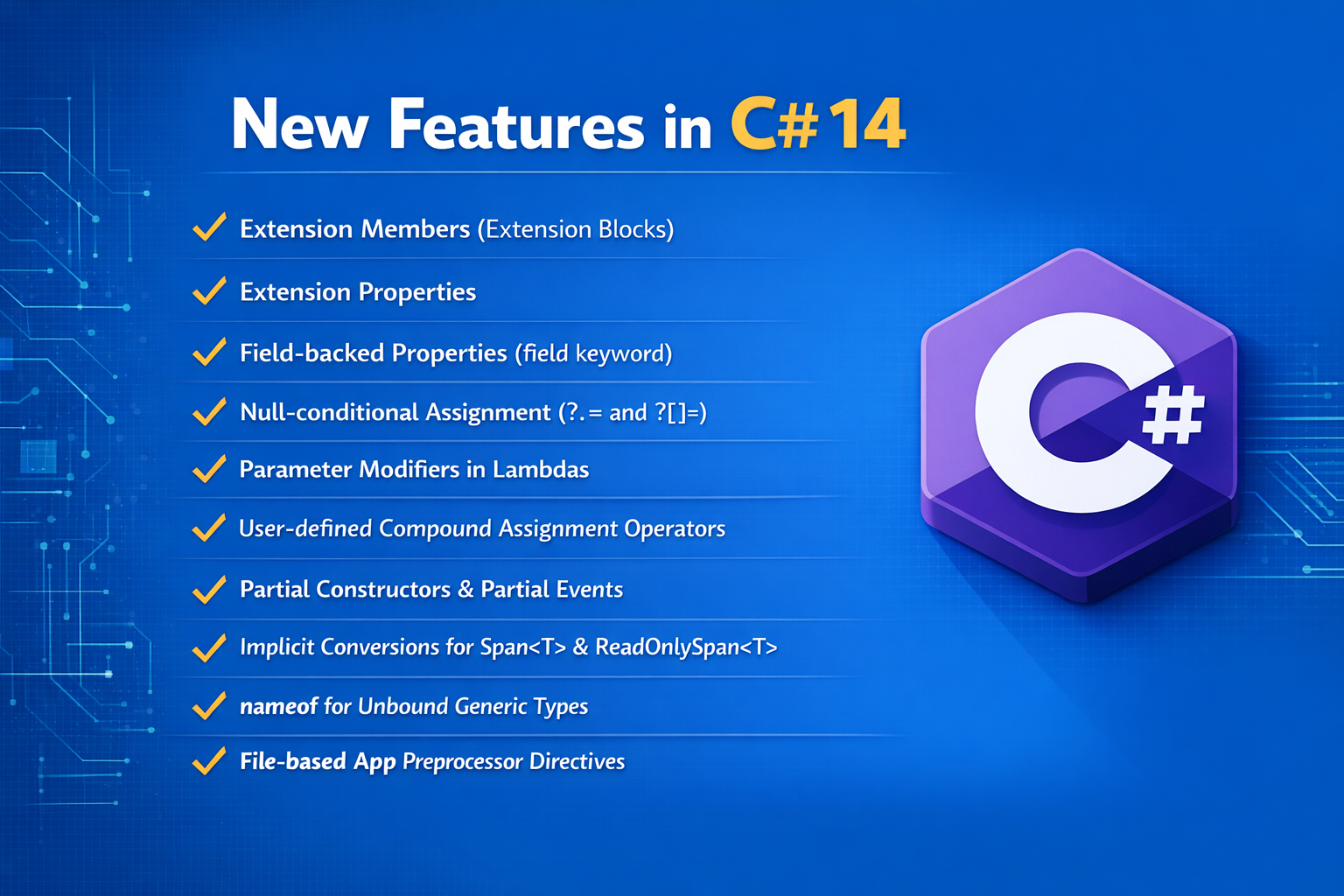
C# 14 – New Features
1. Extension Members (Extension Blocks)
Allow multiple extension members for an existing type to be grouped inside an extension block.
2. Extension Properties
Allow properties to be added to an existing type without modifying the original type.
3. Static Extension Members
Allow static members to be associated with an existing type through an extension block.
4. Null-Conditional Assignment
Allows assignment through ?., skipping the assignment when the target object is null.
5. field-Backed Properties
The field keyword provides direct access to an auto-property’s compiler-generated backing field.
6. nameof for Unbound Generic Types
Allows nameof to obtain a generic type name without specifying its type arguments, such as nameof(List<>).
7. Implicit Span<T> and ReadOnlySpan<T> Conversions
Provides additional implicit span conversions, reducing the need for explicit conversions.
8. Parameter Modifiers in Lambda Expressions
Allows modifiers such as ref, in, and out on lambda parameters without explicitly specifying their types.
9. Partial Constructors
Allow a constructor declaration and its implementation to be separated across parts of a partial type.
10. Partial Events
Allow an event declaration and its implementation to be separated across parts of a partial type.
11. User-Defined Compound Assignment Operators
Allow types to directly define compound assignment operators such as +=, -=, *=, and /=.
12. New Preprocessor Directives for File-Based Apps
Allow file-based C# apps to specify SDKs, NuGet packages, and build properties directly in the .cs file.
C# Extension Members (Extension Blocks)
Extension Members in C# 14 allow you to add new members to an existing type without modifying the original type.
Example
public static class StringExtensions
{
    extension(string value)
    {
        public bool IsLong()
        {
            return value.Length > 10;
        }

        public int WordCount => value.Split(' ').Length;
    }
}
Usage
string text = "Welcome to C# Extension Members";
bool result = text.IsLong();
int count = text.WordCount;
Key Points
· extension(string
value) extends the string type.
· value represents the current string object.
· Extension blocks can contain methods, properties, operators, and static members.
· You can use them naturally: text.IsLong() and text.WordCount.
· The original string class is not changed.
Static Extension Members in C# 14
Static Extension Members allow you to add members that are associated with a type itself, rather than with an object of that type.
Example
public static class IntExtensions
{
extension(int)
{
public static int Zero => 0;
}
}
Usage
int value = int.Zero;
Console.WriteLine(value); // 0
Here, Zero is called using int.Zero, not from an int variable.
Instance vs Static Extension
extension(int value)
{
// Instance extension
public bool IsPositive() => value > 0;
// Static extension
public static int Zero => 0;
}
Usage:
int number = 10;
number.IsPositive(); // Instance extension
int.Zero; // Static extension
Key Points
· Instance extension: called from an object → number.IsPositive()
· Static extension: called from the type → int.Zero
· Static extension members don't require an object instance.
· Introduced as part of C# 14 extension members.
Null Handling in C# 14
C# 14 improves null handling mainly through null-conditional assignment.
Previously, ?. was mainly used for safely reading/calling members.
Before C# 14
if (customer != null)
{
customer.Name = "Syed";
}
C# 14
You can use ?. on the left side of an assignment:
customer?.Name = "Syed";
If customer is:
Not null → Name is assigned "Syed".
Null → assignment is skipped; no NullReferenceException.
Another Example
Employee? employee = GetEmployee();
employee?.Salary = 50000;
This is roughly equivalent to:
if (employee != null)
{
employee.Salary = 50000;
}
Compound Assignment
C# 14 also allows:
employee?.Salary += 5000;
If employee is null, the operation is simply skipped.
Key Points
· C# 14 supports null-conditional assignment.
· obj?.Property
= value avoids an explicit null check.
· Compound assignments such as ?.Property += value are also supported.
· It makes null-safe update code shorter and cleaner.
field Backed Properties in C# 14
The field keyword lets you access the compiler-generated backing field of an auto-property.
This means you can add validation or logic without manually creating a private field.
Before C# 14
private string _name;
public string Name
{
get => _name;
set
{
if (string.IsNullOrEmpty(value))
throw new ArgumentException("Name cannot be empty");
_name = value;
}
}
C# 14 – Using field
public string Name
{
get => field;
set
{
if (string.IsNullOrEmpty(value))
throw new ArgumentException("Name cannot be empty");
field = value;
}
}
Here, field represents the compiler-generated backing field for Name.
Simple Example
public int Age
{
get => field;
set => field = value >= 0 ? value : 0;
}
Usage:
Employee emp = new Employee();
emp.Age = -10;
Console.WriteLine(emp.Age); // 0
Key Points
field eliminates the need to declare _name, _age, etc.
Useful when a property needs validation or transformation.
Each property has its own backing field. Introduced in C# 14.

nameof for Unbound Generic Types in C# 14
C# 14 allows nameof to work with unbound generic types.
An unbound generic type specifies the generic type but leaves its type arguments empty.
Before C# 14
You normally had to specify a type argument:
string name = nameof(List<int>);
Console.WriteLine(name); // List
C# 14
You can omit the generic type argument:
string name = nameof(List<>);
Console.WriteLine(name); // List
For multiple generic parameters:
string name = nameof(Dictionary<,>);
Console.WriteLine(name); // Dictionary
Why is it useful?
When you only need the generic type's name, you don't have to provide dummy types such as int or string.
nameof(Dictionary<,>) // "Dictionary"
nameof(List<>) // "List"
nameof(Func<,,>) // "Func"
Key Points
· Unbound generic means generic arguments are not specified.
· List<> instead of List<int>.
· Dictionary<,> represents a generic type with two type parameters.
· Useful when you need only the type name.
· Supported in C# 14.
Implicit Span<T> and ReadOnlySpan<T> Conversions in C# 14
C# 14 adds more implicit conversions involving Span<T> and ReadOnlySpan<T>, making APIs that use spans easier to call.
A Span<T> provides a view over existing memory without creating another array.
Array → Span<T>
int[] numbers = { 10, 20, 30 };
Span<int> span = numbers;
span[0] = 100;
Console.WriteLine(numbers[0]); // 100
span refers to the same underlying array. Therefore, changing span[0] also changes numbers[0].
Span<T> → ReadOnlySpan<T>
Span<int> span = numbers;
ReadOnlySpan<int> readOnly = span;
Console.WriteLine(readOnly[0]);
ReadOnlySpan<T> allows you to read the data but not modify it through that span.
readOnly[0] = 500; // Compile-time error
What's improved in C# 14?
C# 14 expands the language's built-in span conversions, especially for generic scenarios, so methods can work naturally with Span<T>, ReadOnlySpan<T>, and arrays with fewer explicit conversions.
Key Points
· Span<T> → read and modify data.
· ReadOnlySpan<T> → read only.
· They usually work on existing memory, avoiding unnecessary copies.
· Changing a Span<T> can change the original array.
· C# 14 improves implicit span conversions, particularly in generic code and overload resolution.
Parameter Modifiers in Lambda Expressions in C# 14
C# 14 allows you to use parameter modifiers such as ref, in, out, scoped, and ref readonly in lambda expressions without explicitly specifying the parameter type.
Before C# 14
When using a modifier, you generally specified the type:
(ref int value) => value++;
C# 14
The type can be inferred:
(ref value) => value++;
Here, the compiler determines the type of value from the lambda's target delegate.
Example
Create a delegate:
delegate void UpdateNumber(ref int number);
Use a lambda:
UpdateNumber update = (ref number) =>
{
number += 10;
};
int value = 20;
update(ref value);
Console.WriteLine(value); // 30
Because number is passed by reference, changing it inside the lambda changes the original value.
Key Points
· C# 14 allows parameter modifiers without repeating the parameter type.
· Example: (ref value) instead of (ref int value).
· Useful with ref, out, in, scoped, and ref readonly.
· Makes lambda expressions shorter while retaining parameter semantics.
Partial Constructors in C# 14
Partial Constructors allow a constructor declaration and its implementation to be placed in different parts of a partial class.
This is particularly useful for source-generated code.
Part 1 – Declaration
public partial class Employee
{
public partial Employee(string name);
}
The constructor is declared, but its body is not provided here.
Part 2 – Implementation
public partial class Employee
{
public partial Employee(string name)
{
Name = name;
}
public string Name { get; set; }
}
Usage
Employee emp = new Employee("Syed");
Console.WriteLine(emp.Name); // Syed
The compiler combines both parts into one constructor.
Key Points
· Constructor declaration and implementation can be separated.
· The class must be a partial class.
· Both constructor declarations use the partial keyword.
· The signatures of both parts must match.
· Mainly useful for code generators and tooling scenarios.
· Supported in C# 14.
Partial Events in C# 14
Partial Events allow an event's declaration and implementation to be placed in separate parts of a partial class.
This is mainly useful for source-generated code.
Part 1 – Declaration
public partial class Employee
{
public partial event EventHandler? SalaryChanged;
}
Part 2 – Implementation
public partial class Employee
{
private EventHandler? _salaryChanged;
public partial event EventHandler? SalaryChanged
{
add => _salaryChanged += value;
remove => _salaryChanged -= value;
}
public void UpdateSalary()
{
_salaryChanged?.Invoke(this, EventArgs.Empty);
}
}
Usage
Employee emp = new Employee();
emp.SalaryChanged += (sender, e) =>
{
Console.WriteLine("Salary changed");
};
emp.UpdateSalary();
Output:
Salary changed
Key Points
· One part declares the event.
· Another part provides the add and remove implementation.
· Both declarations use the partial keyword. The signatures must match.
· Mainly useful for source generators and generated code.
· Introduced in C# 14.
User-Defined Compound Assignment Operators in C# 14
C# 14 allows a type to provide its own implementation of compound assignment operators such as +=, -=, *=, /=, etc.
Example
public struct Counter
{
public int Value;
public Counter(int value)
{
Value = value;
}
public void operator +=(int amount)
{
Value += amount;
}
}
Usage
Counter count = new Counter(10);
count += 5;
Console.WriteLine(count.Value); // 15
Here, count += 5 directly uses the user-defined += operator.
Why is this useful?
Previously, compound assignment generally depended on the corresponding binary operator.
For example:
count += 5;
was conceptually based on:
count = count + 5;
C# 14 lets the type define compound assignment behavior directly, which can be useful for mutable types and can avoid creating unnecessary temporary values.
Key Points
· Allows custom implementations of +=, -=, *=, /=, etc.
· Defined as instance operators. Can modify the current object directly.
· Useful for mutable structs and performance-sensitive types.
· Introduced in C# 14.
File-Based App Preprocessor Directives in C# 14
C# 14 introduces file-based apps, allowing you to run a single .cs file directly without first creating a full project.
Preprocessor directives can provide configuration such as the SDK, NuGet packages, and project properties directly inside that C# file.
Example – SDK
#:sdk Microsoft.NET.Sdk.Web
var builder = WebApplication.CreateBuilder(args);
var app = builder.Build();
app.MapGet("/", () => "Hello World!");
app.Run();
Run it directly:
dotnet run app.cs
Example – NuGet Package
You can reference a NuGet package directly:
#:package Newtonsoft.Json@13.0.3
using Newtonsoft.Json;
var employee = new
{
Id = 101,
Name = "Syed"
};
string json = JsonConvert.SerializeObject(employee);
Console.WriteLine(json);
There is no .csproj file required for this simple file-based app.
Common Directives
#:sdk → Specify the .NET SDK
#:package → Add a NuGet package
#:property → Set an MSBuild property
Key Points
· Run a single .cs file as an application.
· No need to manually create a .csproj for simple scenarios.
· #:sdk specifies the SDK.
· #:package adds NuGet dependencies.
· Useful for small tools, scripts, demos, and learning.
· Introduced with C# 14 / .NET 10 file-based apps.