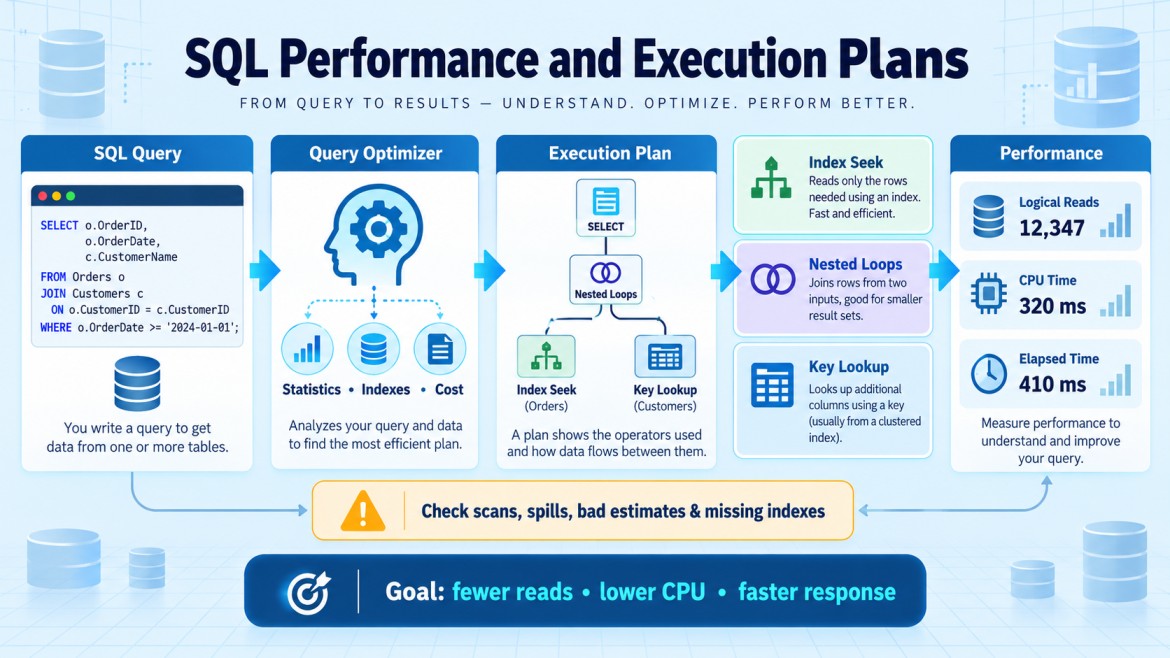


How do you resolve parameter-sniffing problems?
First, confirm the issue by executing the query with different parameter values and comparing the actual execution plans, row estimates and performance.
Common solutions
-
Update statistics
Outdated statistics may produce incorrect estimates.
UPDATE STATISTICS dbo.Orders;-
Recompile each execution
Creates a plan based on the current parameter value.
SELECT *
FROM Orders
WHERE CustomerId = @CustomerId
OPTION (RECOMPILE);
Best when execution frequency is low or parameter values vary greatly. It adds compilation cost.
-
Optimize for a specific value
OPTION (OPTIMIZE FOR (@CustomerId = 100));Useful when one value represents most executions.
-
Optimize for an average value
OPTION (OPTIMIZE FOR UNKNOWN);Creates a more general plan using statistical estimates. It may not be best for extreme values.
-
Use separate query paths
Run different queries for small and large result sets.
IF @CustomerId = 1
    -- Query suitable for a large result
ELSE
-- Query suitable for a small result-
Use parameterized dynamic SQL
This can generate separate cached plans for meaningfully different query structures.
-
Use Query Store hints
Apply hints such as RECOMPILE without changing the application code.
Key points
-
Do not clear the entire plan cache; it affects all queries and is usually only a temporary fix.
-
Choose the solution based on data distribution, query frequency and compilation cost.
-
SQL Server 2022+ can use Parameter Sensitive Plan optimization to maintain multiple plans for different parameter ranges.