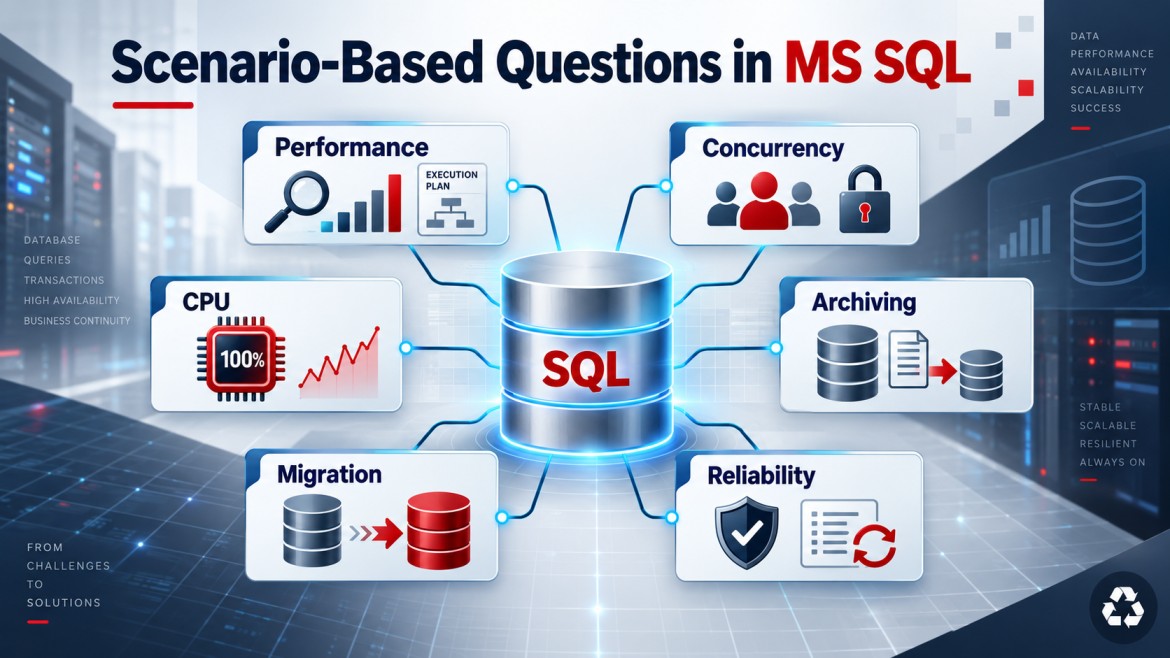


Scenario
A table contains millions of old records that must be moved to an archive table without causing long blocking, transaction-log growth, or application downtime.
Recommended approach: Archive in small batches
Do not move or delete millions of rows in one transaction. Process them in controlled batches, such as 5,000–20,000 rows.
1. Create an archive table
The archive table should have suitable columns, data types, indexes and constraints.
CREATE TABLE dbo.OrdersArchive
(
    OrderId       BIGINT         NOT NULL,
    CustomerId    INT            NOT NULL,
    OrderDate     DATETIME2      NOT NULL,
    TotalAmount   DECIMAL(18, 2) NOT NULL,
    ArchivedDate  DATETIME2      NOT NULL
);
2. Use a clear retention condition
For example, archive orders older than seven years:
DECLARE @CutoffDate DATE = DATEADD(YEAR, -7, GETDATE());Confirm the number of eligible records:
SELECT COUNT(*) AS RecordsToArchive
FROM dbo.Orders
WHERE OrderDate < @CutoffDate;
3. Move records in batches
DELETE ... OUTPUT moves and deletes each batch atomically. If the transaction fails, both actions are rolled back.
DECLARE @BatchSize INT = 10000;
DECLARE @RowsAffected INT = 1;
DECLARE @CutoffDate DATE = DATEADD(YEAR, -7, GETDATE());

WHILE @RowsAffected > 0
BEGIN
    BEGIN TRY
        BEGIN TRANSACTION;

        DELETE TOP (@BatchSize)
        FROM dbo.Orders
        OUTPUT
            DELETED.OrderId,
            DELETED.CustomerId,
            DELETED.OrderDate,
            DELETED.TotalAmount,
            SYSDATETIME()
        INTO dbo.OrdersArchive
        (
            OrderId,
            CustomerId,
            OrderDate,
            TotalAmount,
            ArchivedDate
        )
        WHERE OrderDate < @CutoffDate;

        SET @RowsAffected = @@ROWCOUNT;

        COMMIT TRANSACTION;
    END TRY
    BEGIN CATCH
        IF @@TRANCOUNT > 0
            ROLLBACK TRANSACTION;

        THROW;
    END CATCH;
END;
Important safety checks
Validate archived data
SELECT COUNT(*)
FROM dbo.OrdersArchive
WHERE OrderDate < @CutoffDate;
Also verify sample records, totals and date ranges.
Monitor during execution
Check:
-
Blocking
-
Transaction-log usage
-
CPU and disk activity
-
Batch duration
-
Failed batches
-
Archive-table growth
Index the retention column
CREATE INDEX IX_Orders_OrderDate
ON dbo.Orders(OrderDate);
This helps SQL Server locate old records without scanning the complete table.
Additional considerations
-
Take a backup before the operation.
-
Test the script in a staging environment.
-
Run during low-traffic periods.
-
Handle foreign-key relationships in the correct order.
-
Archive child records before parent records.
-
Keep batch transactions short.
-
Maintain an audit log of archived batches.
-
Avoid
NOLOCKfor archive validation. -
Do not shrink database files automatically afterward.
-
Schedule regular archiving instead of waiting for millions of rows.
For very large tables that are already partitioned by date, partition switching is usually faster because an entire partition can be moved with minimal data movement.
Interview Answer
I would define a clear retention policy, create an archive table and move records in small batches. I would use short transactions and
DELETE...OUTPUTso that inserting into the archive and deleting from the source happen atomically. I would index the date column, monitor blocking and transaction-log growth, validate row counts, and maintain audit information. For very large date-partitioned tables, I would consider partition switching.
Key Points
-
Never archive millions of rows in one transaction.
-
Use controlled batches.
-
Keep archive and delete operations atomic.
-
Validate the archived data.
-
Monitor blocking and log growth.
-
Use partition switching for very large partitioned tables.