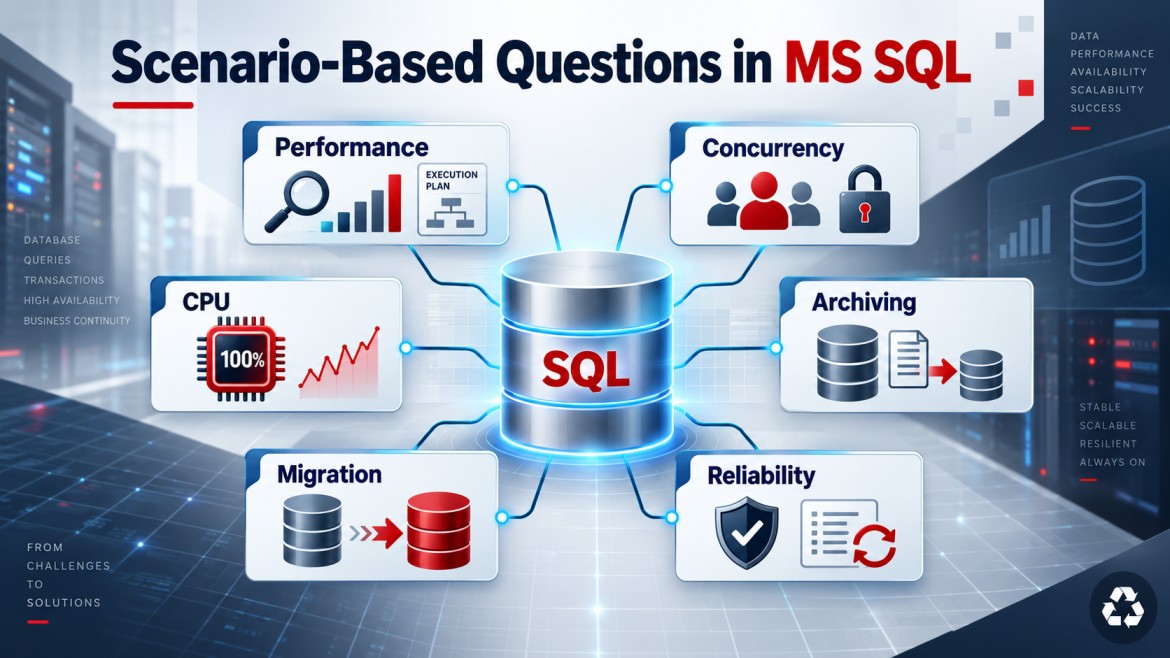


Scenario
A large production SQL Server database must be moved to another server with minimal application downtime.
The safest approach is to copy most data while the source database remains online, then synchronize only the final changes during a short maintenance window.
Recommended Approach: Backup, Restore and Transaction Logs
1. Prepare the destination server
Verify:
-
SQL Server version and edition compatibility
-
Database compatibility level
-
Storage capacity and performance
-
Collation
-
Logins and permissions
-
SQL Agent jobs
-
Linked servers
-
Certificates and encryption keys
-
Application connection strings
The destination SQL Server should normally be the same or a newer supported version.
2. Take a full backup
The database remains online during a normal full backup.
BACKUP DATABASE SalesDB
TO DISK = 'D:\Backup\SalesDB_Full.bak'
WITH COMPRESSION, CHECKSUM, STATS = 10;
Verify the backup:
RESTORE VERIFYONLY
FROM DISK = 'D:\Backup\SalesDB_Full.bak'
WITH CHECKSUM;
3. Restore it on the destination
Use NORECOVERY because more backups must be applied:
RESTORE DATABASE SalesDB
FROM DISK = 'D:\Backup\SalesDB_Full.bak'
WITH NORECOVERY,
     MOVE 'SalesDB_Data' TO 'E:\Data\SalesDB.mdf',
     MOVE 'SalesDB_Log'  TO 'F:\Log\SalesDB.ldf',
     STATS = 10;
4. Apply a differential backup
A differential backup reduces the remaining synchronization time.
BACKUP DATABASE SalesDB
TO DISK = 'D:\Backup\SalesDB_Diff.bak'
WITH DIFFERENTIAL, COMPRESSION, CHECKSUM;
Restore it:
RESTORE DATABASE SalesDB
FROM DISK = 'D:\Backup\SalesDB_Diff.bak'
WITH NORECOVERY;
5. Continuously apply transaction-log backups
The database must use the Full recovery model, with an unbroken log-backup chain.
BACKUP LOG SalesDB
TO DISK = 'D:\Backup\SalesDB_Log_01.trn'
WITH COMPRESSION, CHECKSUM;
Restore each log backup in the correct order:
RESTORE LOG SalesDB
FROM DISK = 'D:\Backup\SalesDB_Log_01.trn'
WITH NORECOVERY;
Repeat this regularly until the planned cutover.
Final Cutover
During the maintenance window:
-
Stop application writes or place the application in maintenance mode.
-
Confirm active transactions are complete.
-
Take a final tail-log backup.
-
Restore the final log on the destination.
-
Recover the destination database.
-
Validate it.
-
Change the application connection string.
BACKUP LOG SalesDB
TO DISK = 'D:\Backup\SalesDB_Final.trn'
WITH NORECOVERY, CHECKSUM;
Restore and bring the destination online:
RESTORE LOG SalesDB
FROM DISK = 'D:\Backup\SalesDB_Final.trn'
WITH RECOVERY;
Because most data was already copied, downtime is limited mainly to the final log backup, restore, validation and connection switch.
Validation
Before allowing users to connect, verify:
-
Database status and consistency
-
Important table row counts
-
Recent transactions
-
Application login
-
Permissions and database users
-
Stored procedures and functions
-
SQL Agent jobs
-
Performance of critical queries
-
Application read/write operations
Run an integrity check when the migration plan and time window permit:
DBCC CHECKDB ('SalesDB') WITH NO_INFOMSGS;Other Minimal-Downtime Options
| Method | Suitable for |
|---|---|
| Log shipping | Large databases with a short cutover window |
| Availability Groups | High availability and planned failover |
| Transactional replication | Migrating selected tables with ongoing synchronization |
| Cloud migration services | Moving databases to Azure or another cloud platform |
| Backup and restore | Simple migrations where some downtime is acceptable |
Rollback Plan
Keep the original server unchanged until the new environment is validated.
If serious problems occur:
-
Stop writes on the destination.
-
Point the application back to the source.
-
Reconcile any data written to the destination before rollback.
A rollback becomes complicated after users write new data to the destination, so the decision window should be clearly defined.
Interview Answer
I would restore a full backup on the destination using
NORECOVERY, apply a differential backup and continuously restore transaction-log backups while production remains online. During the final maintenance window, I would stop application writes, take and restore the final tail-log backup, recover the destination database, validate it and switch the connection string. I would also migrate server-level objects such as logins and jobs, test performance, and maintain a documented rollback plan.
Key Points
-
Copy most data while production remains online.
-
Use full, differential and transaction-log backups.
-
Preserve the transaction-log backup chain.
-
Stop writes before the final cutover.
-
Validate security, jobs, data and performance.
-
Prepare and test the rollback plan.