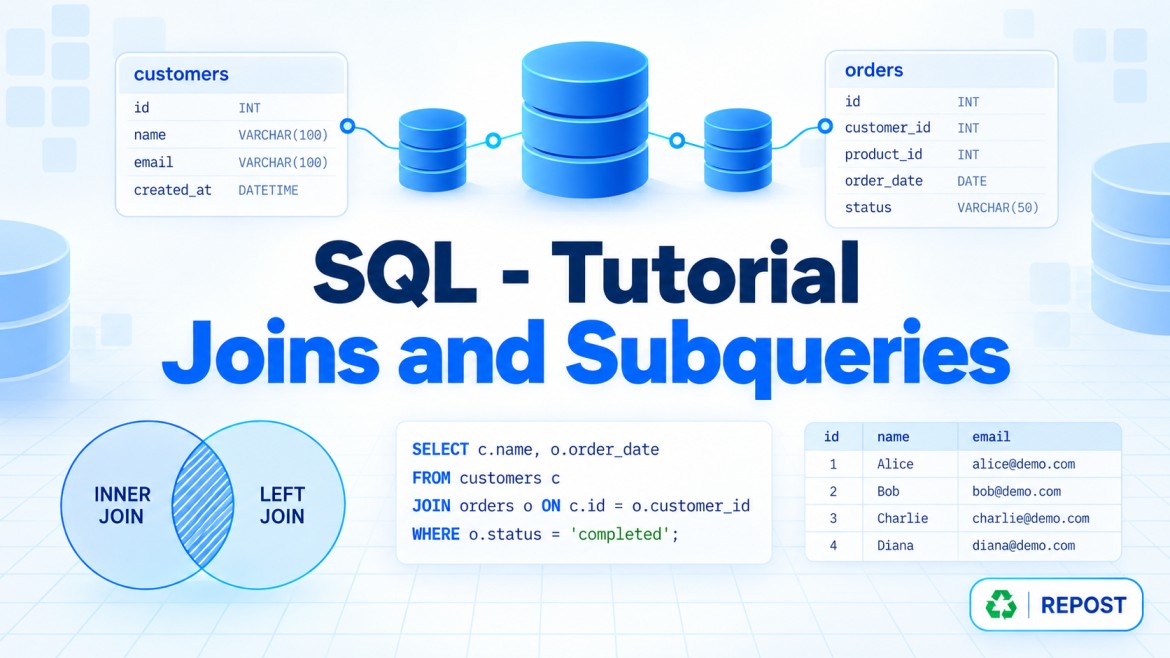


JOIN vs Subquery in SQL Server
Both JOINs and subqueries combine or compare data from multiple tables, but they use different approaches.
What is a JOIN?
A JOIN combines columns from two or more tables into a single result based on a related column.
Example
SELECT
    E.EmployeeName,
    D.DepartmentName
FROM Employees E
INNER JOIN Departments D
    ON E.DepartmentId = D.DepartmentId;
Usage
Use a JOIN when:
-
You need columns from multiple tables.
-
Tables have a clear relationship.
-
You want to return detailed combined data.
-
You are writing reporting queries.
What is a subquery?
A subquery is a query written inside another SQL query.
The inner query produces a value or result set that the outer query uses.
Example
SELECT EmployeeName
FROM Employees
WHERE DepartmentId IN
(
    SELECT DepartmentId
    FROM Departments
    WHERE DepartmentName = 'IT'
);
The inner query first finds the IT department ID. The outer query then finds employees belonging to that department.
Usage
Use a subquery when:
-
One query depends on the result of another.
-
You need a calculated value for comparison.
-
You are checking whether related records exist.
-
You do not need to return columns from the related table.
Example comparison
Using JOIN
SELECT
    E.EmployeeName,
    D.DepartmentName
FROM Employees E
INNER JOIN Departments D
    ON E.DepartmentId = D.DepartmentId
WHERE D.DepartmentName = 'IT';
Using a subquery
SELECT E.EmployeeName
FROM Employees E
WHERE E.DepartmentId IN
(
    SELECT D.DepartmentId
    FROM Departments D
    WHERE D.DepartmentName = 'IT'
);
Both queries find employees working in the IT department.
However, the JOIN can directly return columns from both tables.
Major differences
| Feature | JOIN | Subquery |
|---|---|---|
| Purpose | Combines related tables | Supplies a result to another query |
| Columns returned | Easily returns columns from multiple tables | Outer query normally returns its own table’s columns |
| Structure | Tables are placed side by side | One query is nested inside another |
| Readability | Clear for table relationships | Clear for step-by-step logic |
| Multiple rows | Can multiply rows in one-to-many relationships | EXISTS can avoid row multiplication |
| Performance | Often efficient for combining large datasets | Depends on subquery type and execution plan |
| Common operators | INNER, LEFT, RIGHT, FULL |
IN, EXISTS, NOT EXISTS, =, >, < |
| Best use | Returning related data | Filtering, checking existence or calculating values |
Types of subqueries
1. Scalar subquery
Returns one value.
SELECT
    EmployeeName,
    Salary
FROM Employees
WHERE Salary >
(
    SELECT AVG(Salary)
    FROM Employees
);
This returns employees earning more than the average salary.
The subquery used with > must return only one value.
2. Multiple-row subquery
Returns multiple rows.
SELECT EmployeeName
FROM Employees
WHERE DepartmentId IN
(
    SELECT DepartmentId
    FROM Departments
    WHERE Location = 'Chennai'
);
Use operators such as IN, ANY, ALL or EXISTS when multiple values may be returned.
3. Correlated subquery
A correlated subquery refers to the outer query and may be evaluated for each outer row.
SELECT
    E.EmployeeName,
    E.Salary
FROM Employees E
WHERE E.Salary >
(
    SELECT AVG(E2.Salary)
    FROM Employees E2
    WHERE E2.DepartmentId = E.DepartmentId
);
This returns employees earning more than the average salary of their own department.
JOIN vs EXISTS
Suppose you need employees who have placed at least one order.
Using JOIN
SELECT DISTINCT
    E.EmployeeId,
    E.EmployeeName
FROM Employees E
INNER JOIN Orders O
    ON E.EmployeeId = O.EmployeeId;
If one employee has many orders, the JOIN initially returns that employee multiple times. Therefore, DISTINCT is required.
Using EXISTS
SELECT
    E.EmployeeId,
    E.EmployeeName
FROM Employees E
WHERE EXISTS
(
    SELECT 1
    FROM Orders O
    WHERE O.EmployeeId = E.EmployeeId
);
EXISTS only checks whether at least one matching order exists. It does not multiply employee rows.
Key points
-
Use a
JOINwhen you need columns from multiple related tables. -
Use a subquery when one query’s result is needed by another query.
-
Use
EXISTSwhen you only need to check whether a related row exists. -
Use
NOT EXISTSto find rows without related records. -
A JOIN can create duplicate rows in one-to-many relationships.
-
A scalar subquery must return exactly one value; otherwise, SQL Server raises an error.
-
A correlated subquery references the outer query.
-
A JOIN is not always faster than a subquery.
-
SQL Server’s optimizer may convert logically equivalent JOINs and subqueries into similar execution plans.
-
Select the approach that expresses the requirement clearly and verify performance using the actual execution plan.
Interview answer:
“A JOIN combines rows and columns from multiple tables, while a subquery supplies a value or result set to an outer query. I normally use JOINs when I need data from multiple tables and EXISTS or other subqueries when I only need filtering, aggregation or an existence check.”