

CHAR, VARCHAR, NCHAR, and NVARCHAR in SQL Server
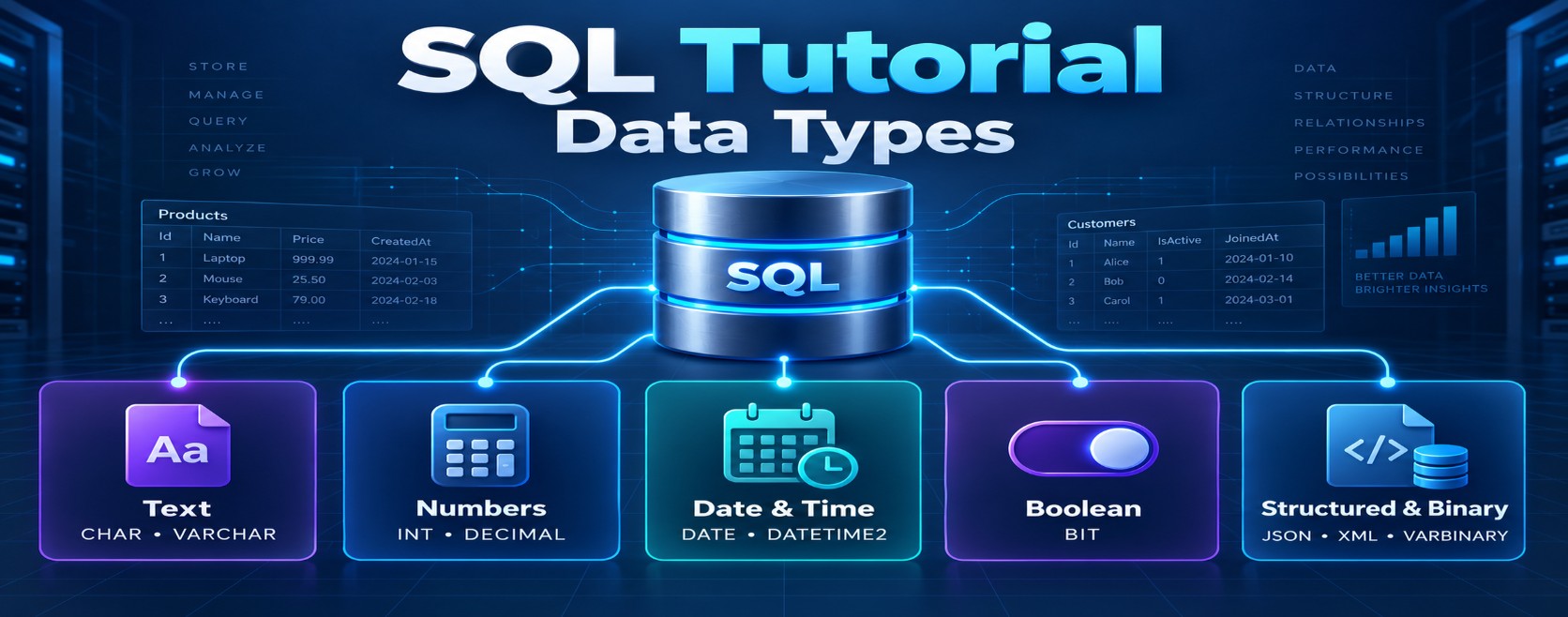
These data types store text. The main differences are:
-
Fixed-length vs variable-length
-
Unicode vs non-Unicode
| Data type | Length | Character support | Maximum size | Best used for |
|---|---|---|---|---|
CHAR(n) |
Fixed | Non-Unicode | 8,000 characters | Fixed-size values |
VARCHAR(n) |
Variable | Non-Unicode / UTF-8 with suitable collation | 8,000 characters | Variable English text |
NCHAR(n) |
Fixed | Unicode | 4,000 characters | Fixed multilingual values |
NVARCHAR(n) |
Variable | Unicode | 4,000 characters | Variable multilingual text |
1. CHAR(n)
Stores a fixed number of characters. SQL Server pads shorter values with trailing spaces.
DECLARE @Code CHAR(5) = 'AB';Stored logically as:
'AB 'Use it for consistently sized values:
GenderCode CHAR(1)
CountryCode CHAR(2)
2. VARCHAR(n)
Stores variable-length non-Unicode text, using only the space required for the value plus internal length information.
DECLARE @Name VARCHAR(50) = 'Syed';Use it when values have different lengths and Unicode is unnecessary:
Email VARCHAR(200)
Url   VARCHAR(500)
3. NCHAR(n)
Stores fixed-length Unicode text. Shorter values are padded with trailing spaces.
DECLARE @Code NCHAR(5) = N'தமிழ்';Use it for fixed-length codes containing international characters.
4. NVARCHAR(n)
Stores variable-length Unicode text and supports languages such as Tamil, Hindi, Arabic and Chinese.
DECLARE @Name NVARCHAR(100) = N'சையது';Use it for multilingual data:
CustomerName NVARCHAR(100)
Address      NVARCHAR(500)
The N prefix marks a string literal as Unicode:
INSERT INTO Customers(Name)
VALUES (N'சையது');
Without N, Unicode characters can be converted incorrectly, depending on the database collation and encoding.
Storage difference
Traditionally:
-
CHARandVARCHARuse 1 byte per character for common single-byte code pages. -
NCHARandNVARCHARuse UTF-16 and usually require 2 bytes per character.
However, exact storage depends on the character and collation. Supplementary Unicode characters may require more space, and VARCHAR can store Unicode when using a UTF-8-enabled collation.
Simple comparison
CREATE TABLE Employee
(
    CountryCode CHAR(2),          -- Fixed, non-Unicode
    Email       VARCHAR(200),     -- Variable, non-Unicode
    LanguageKey NCHAR(2),         -- Fixed, Unicode
    DisplayName NVARCHAR(100)     -- Variable, Unicode
);
Key interview points
-
CHARandNCHARare fixed-length and pad values with spaces. -
VARCHARandNVARCHARare variable-length. -
Types beginning with
Nsupport Unicode using UTF-16. -
Use
NVARCHARwhen multilingual characters must be supported. -
Use the smallest sensible length instead of automatically using
MAX. -
VARCHAR(MAX)supports approximately 2 GB of data. -
NVARCHAR(MAX)supports approximately 1 billion UTF-16 code units—about 2 GB. -
VARCHARmay support Unicode with a UTF-8 collation. -
Changing a column to Unicode can affect storage, index size and performance.
-
Avoid deprecated
TEXTandNTEXT; useVARCHAR(MAX)andNVARCHAR(MAX)instead.